Start your 7-day Pro trialSee a sample recap
What each one is for
These are not the same kind of tool, and it helps to say that plainly before any feature list. Trainerize is a mature, powerful platform built around program delivery. It gives you a workout program builder, a large exercise and video library, a branded client app on iOS and Android, in app messaging, habit and nutrition tracking, and wearable and device sync. It has been refined over many years, a huge number of trainers run their whole business on it, and it is the category leader for delivering training to clients. That depth is real, and it is the main reason people choose it.
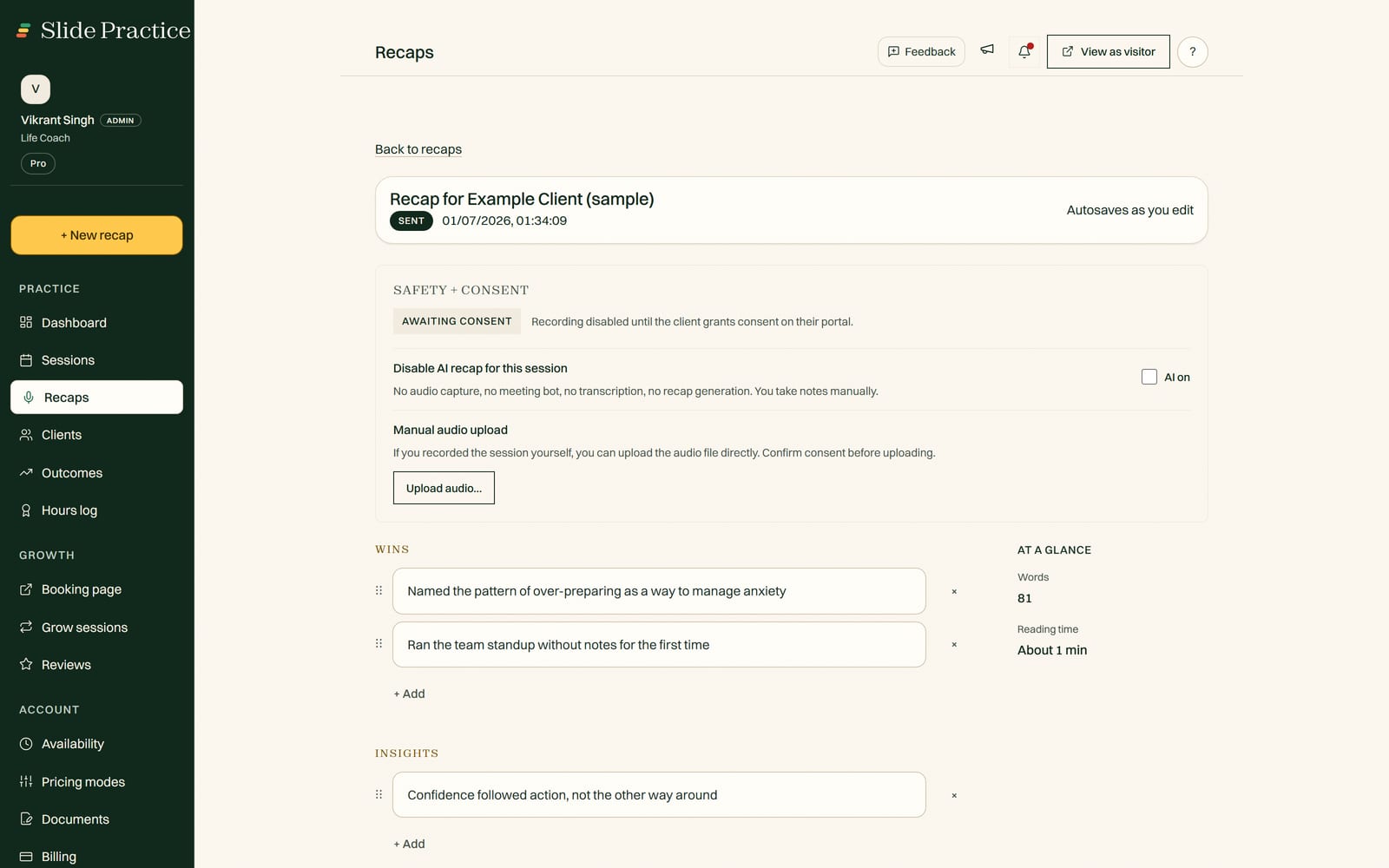
Slide Practice is newer, lighter, and built around a single wedge: it does the after session work for you, then keeps the record. You record or upload a session, and in about a minute Slide Practice drafts the recap, the action items, and a check in message. You read it over, edit if you want, and send. From there it keeps a running record of the commitments and goals you set with each client, so you can see whether they are moving session to session. Around that core it adds booking on one shared link, a private client portal, and sliding scale rates. It is live, built by a small team, and intentionally does less than Trainerize, so the parts it does cover stay simple. It is not a workout builder and it has no exercise library, and it does not pretend to be.
Where Trainerize is genuinely stronger
If you are comparing honestly, Trainerize leads in several places that matter, and it would be unfair to skip them.
- Program building and the exercise library. The workout builder and the large exercise and video library are the heart of Trainerize. If your value to clients is the programming itself, Trainerize does that far more thoroughly than Slide Practice, which does not build workouts at all.
- A branded client app. Trainerize gives your clients a polished mobile app on iOS and Android, and you can put your own brand on it. Slide Practice gives clients a clean web portal, not a native app.
- Habit, nutrition, and wearable tracking. Trainerize tracks habits and nutrition and syncs with wearables and devices, so the day to day data flows in automatically. Slide Practice does not do this.
- Maturity and track record. Trainerize has years of refinement and a large, established base of trainers. It is a known, stable product. Slide Practice is new and still proving itself live.
So if program delivery is the core of your business and you want maximum depth, Trainerize is the safer, more capable pick today. We would rather tell you that than oversell a brand new product.
Where Slide Practice is different
Slide Practice does not try to out feature Trainerize. It tries to remove one specific chore, keep the record, and stay simple everywhere else.
- The after session write up, done for you. The session ends, and a minute later you have a clean recap, the action items you agreed on, and a check in message ready to review. This is the whole reason Slide Practice exists, and it is the thing Trainerize does not do.
- The record across sessions. Each recap feeds a running view of the commitments and goals you set with a client, so you can see whether they are progressing session to session, not just remember the last one.
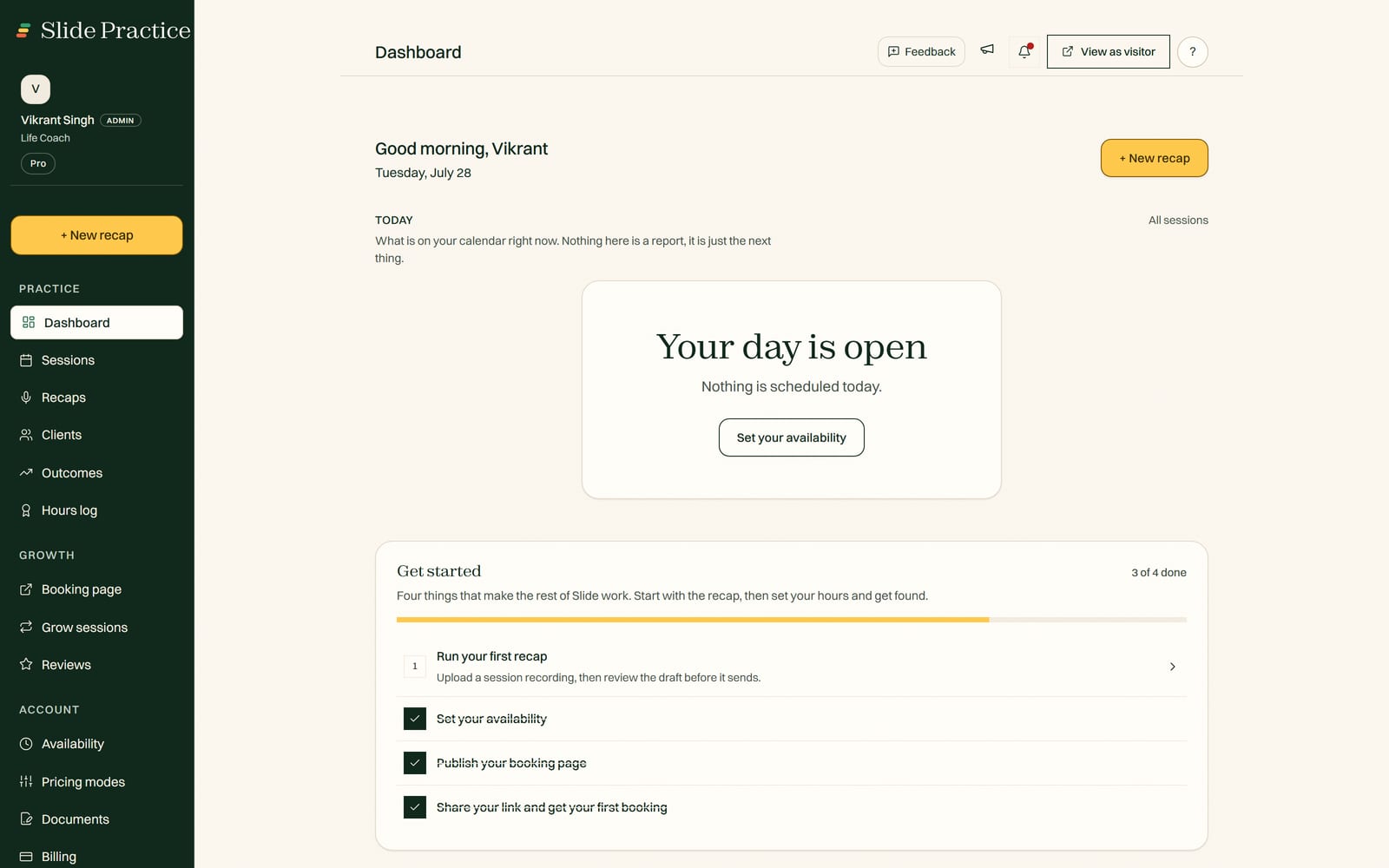
- Simpler to live in. Fewer settings, fewer screens, less to configure before you can run your week. For a solo trainer who mostly wants the admin to disappear, less can be the feature.
- You keep 100% of what you earn, on every plan. Slide takes no commission, ever, and it never processes your client payments. You bring your own way of getting paid, and what your clients pay is yours.
- Sliding scale rates. Offer full, reduced, and pay it forward prices so clients can pick what they can afford, built in rather than bolted on.
- Consent first recording. Recording is opt in and your clients are told. Your clients and your data stay yours, and you can export them whenever you like.
One more line worth drawing, since a general AI notetaker is the other tool trainers reach for: a notetaker can transcribe a call, but it is not built for training. It has no client portal to deliver the write up, no consent step built for clients, no action items the client actually sees, and no record of progress across sessions. Trainerize delivers programs deeply but does not draft your session write up; a notetaker writes a transcript but stops there. Slide Practice sits in between on purpose, and for most trainers it pairs with Trainerize rather than replacing it.
Side by side
A fair table names strengths on both sides. This one does.
| | Slide Practice | Trainerize |
|---|
| AI session recaps and check in write ups | Built in, drafted in about a minute | Not its focus |
| Workout program builder | Not a workout builder | Deep, drag and drop |
| Exercise and video library | None, not its job | Large built in library |
| Branded client mobile app | Web client portal | iOS and Android, your brand |
| Wearable and device sync | Not built in | Wearables and devices |
| In app messaging, habit and nutrition tracking | Lighter, action items in the portal | Built in and deep |
| Booking on one shared link and client portal | Built in, simple | Scheduling built in |
| Sliding scale and pay it forward rates | Built in | Not built in |
| Their cut of your earnings | No commission, ever | No platform cut |
Note that Slide Practice is not a workout builder, an exercise library, or a payment processor. It does not program your training and it does not collect money for you. You still build your programs your way and take payments your own way. Trainerize handles far more of the training and delivery inside the product.
Where Slide Practice is in its life right now
Slide Practice is live. Founding access is open now, and the founding group is capped at 30 practitioners, who get Pro at $19 a month for their first 12 months, then $29.99. It is built and run by a small team based in Manila, who come from a business and software background. That shapes the honest pitch: it is early, it is focused, and it is not trying to be everything Trainerize is.
What Slide Practice costs
Slide Practice is a flat monthly price, not per active client. Every new trainer starts with a 7-day Pro trial, no card. After that, plans are Starter at $14.99 a month, Pro at $29.99 a month (the best value tier), and Max at $49.99 a month. Recording a session with Auto Join is $1.99 per session, and extra recaps beyond your plan are $0.99 each. There is no Team plan. Slide takes no commission, on any plan, ever. We avoid quoting Trainerize's exact prices here because they change and we would rather not get them wrong. The shape worth knowing: Trainerize bills by plan and active client count, so the cost moves with how many people you are training.
Who should pick which
Stay with, or choose, Trainerize if program delivery is the engine of your business: you want a workout builder, a deep exercise and video library, a branded client app, habit and nutrition tracking, and wearable sync, and you value a mature product with a long track record. It simply does more in that area, and for many trainers it is the right home.
Look at Slide Practice if your week is mostly live or in person sessions and the part you dread is writing them up. If you want the recap, action items, and check in message drafted for you, the commitments and goals tracked across sessions so you can show your training works, a few simple tools around it, a flat price, and no commission taken, it is built for exactly that. Plenty of trainers run it alongside Trainerize rather than instead of it. It is the newcomer, so going in with clear eyes about its stage is the honest move.
Frequently asked questions
Is Slide Practice a replacement for Trainerize?
For some trainers, yes, and for others, no. If building workout programs, an exercise library, and a branded client app are the core of how you train people, Trainerize does that far more deeply and is the category leader for program delivery. If your week is mostly live or in person sessions and you want the session write up, action items, and check in message drafted for you, Slide Practice is a lighter, simpler fit. Many independent trainers do not need the full program delivery platform, and for them Slide Practice covers the day to day.
Can Slide Practice build workout programs or give me an exercise library?
No, and it is honest to say so. Slide Practice is not a workout builder and it has no exercise or video library, which is exactly where Trainerize leads. Slide Practice records your session, drafts the recap and action items, keeps the check in record across sessions, and gives clients a private portal. If programming inside the tool is what you need, Trainerize is the better pick, and many trainers pair the two.
Does either one take a percentage of what I earn?
No. Trainerize does not take a platform cut of your earnings, and neither does Slide Practice, on any plan. The difference is the model. Trainerize pricing scales with how many active clients you have, while Slide Practice is a flat monthly price and never processes your client payments, so what your clients pay comes to you your own way.
Can I move my clients from Trainerize to Slide Practice?
Yes. You can export your clients and history from Trainerize and bring your clients, contacts, and notes into Slide Practice. Trainerize's workout programs, exercise library, and branded app go well beyond what Slide Practice does, so before you move, check that session recaps, action items, booking, and the client portal cover what you rely on. Our moving guide walks through the steps.