Start your 7-day Pro trialSee a sample recap
A quick note on who is writing this. Slide Practice is founder-led and built in Manila, and it competes with every tool named below, so read with that bias in mind. The tools we compare against are established products that thousands of coaches already trust. Slide Practice is the newcomer, live, with no public customers yet. We will not pretend otherwise, and we will tell you when one of them is the right call for you.
What makes Slide Practice different
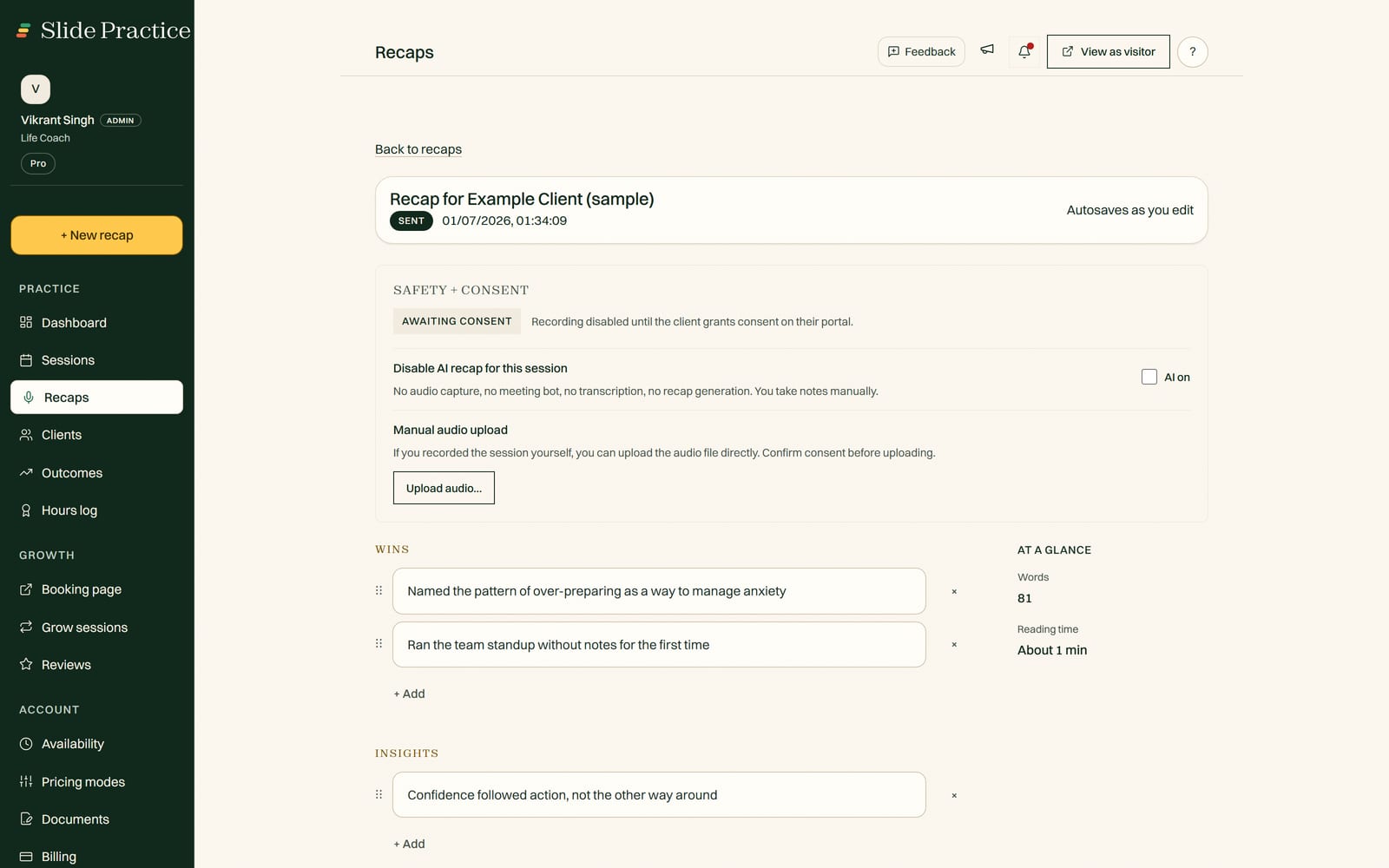
The center of Slide Practice is the session itself. You record or upload a session, and in about a minute Slide Practice drafts the recap, the action items, and a follow up email. You review it, make any edits, and send. None of the tools below does this. They schedule, bill, hold worksheets, and run programs well, but the writing after each session is still on you.
It is worth separating two kinds of tool here. Coaching platforms book sessions and store client records, but they do not write the recap and they do not track whether your coaching is moving anything. AI notetakers do the opposite: they transcribe a call, but they are not coaching native, so there is no private client portal to deliver the recap into, no consent step before recording, no action items the client actually sees, and no record of progress or hours over time. Slide Practice is built to be the one place that does both jobs.
And it does not stop at the recap. Slide Practice tracks the commitments and goals it captured, session after session, so you can show a client, or an ICF assessor, that the work is changing something. It also builds a coaching hours log from your recorded sessions, which is one less spreadsheet if you are working toward a credential. The commitment and goal tracking across sessions is included on every plan that can draft a recap.
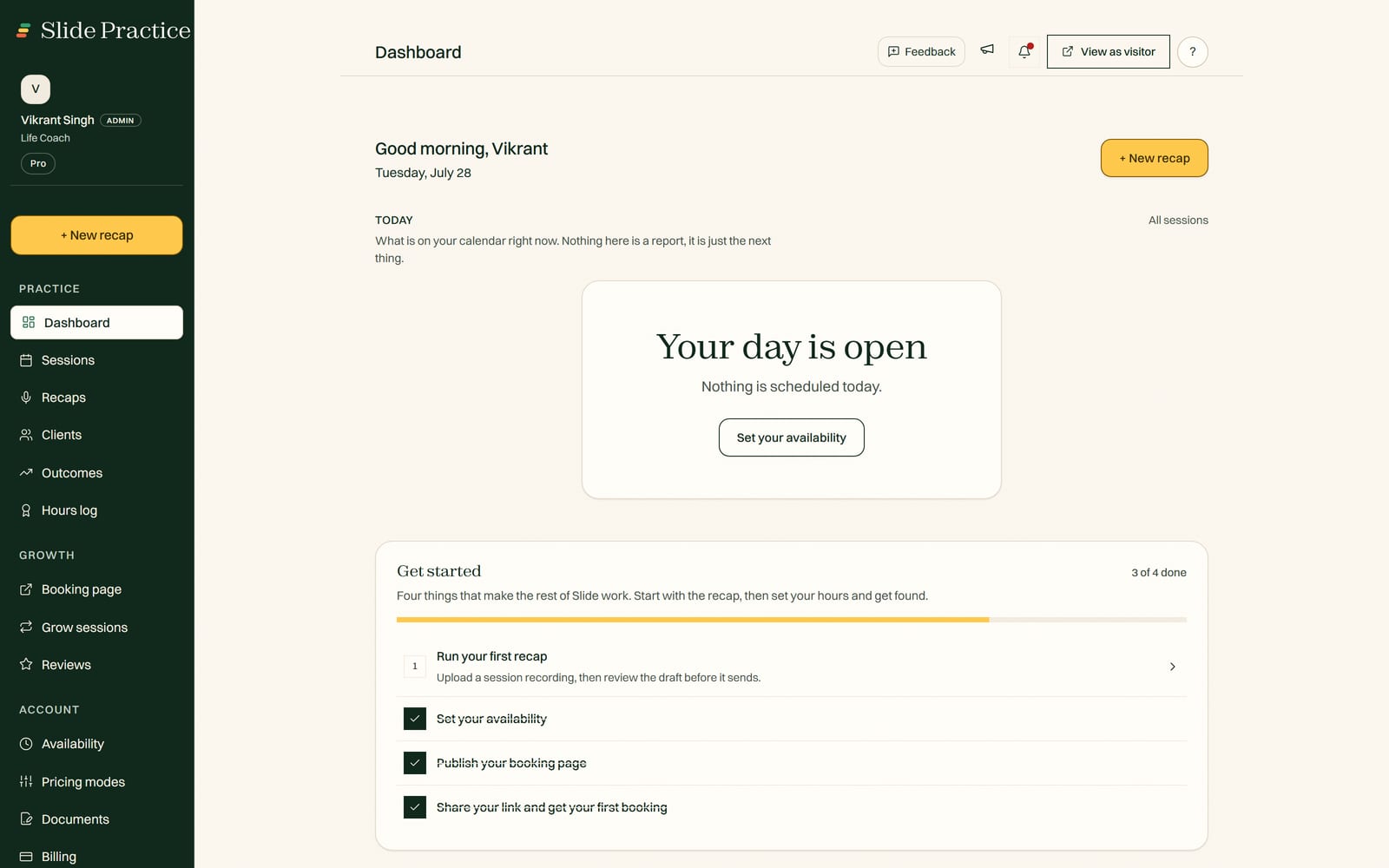
Around that record, Slide Practice gives you booking on one shared link, a private client portal, and sliding scale rates. Slide takes no commission, on any plan, ever. Plans are Starter at $14.99 a month, Pro at $29.99 a month, and Max at $49.99 a month. Add ons are Auto Join at $1.99 per session and extra recaps at $0.99 each.
When you should look elsewhere
Slide Practice is not the right tool for everyone today. Be honest with yourself about these three things first.
- You need the card captured and settled inside one tool. Slide Practice is not a payment processor or a marketplace. Clients pay you directly at booking through your own PayPal or Stripe link, and Slide Practice shows the amount, records it, reminds, and sends the receipt, but the money never passes through Slide Practice. If capture and settlement have to live inside one tool today, an established platform is the safer pick.
- You want a long track record. Slide Practice is new, founder-led, and built in Manila. If a proven history and a large existing user base matter most to you, the tools below have years on us.
- You depend on features we have not built yet. Deep integrations, large team workflows, and broad template libraries are areas where other tools go further today.
If none of those is a dealbreaker, and the hour you lose to notes after each session is the part you dread, Slide Practice was built for exactly that.
Compare Slide Practice to each tool
Each comparison below is written the same way: what the other tool genuinely does well, where Slide Practice fits, and who should pick which. Pick the one closest to what you use now.
Paperbell is the polished storefront for selling and getting paid in one flow. Slide Practice adds the recap that Paperbell does not write, but does not process payments yet.
CoachAccountable is the deep power tool for structured accountability and automation. Slide Practice is lighter and centers the session recap instead of between session machinery.
Simply.Coach is strong on programs, forms, and team practices. Slide Practice is built for the solo coach who wants the recap drafted, not large team workflows.
HoneyBook is a broad client and payments platform built for many service businesses. Slide Practice is narrower, made only for coaching, with recaps at its center.
Quenza is built around digital activities, pathways, and client exercises between sessions. Slide Practice focuses on capturing the session you just held, not assigning homework modules.
Otter.ai is a broad meeting transcription tool that captures almost any call. Slide Practice is practitioner native, turning a session into a client ready recap with action items and a progress record.
Fathom is an AI assistant that joins live video calls and summarizes them. Slide Practice is built for the recurring one to one relationship, with a client portal, a consent step, and a record across sessions.
TutorBird is mature tutoring business management with billing and scheduling. Slide Practice adds AI lesson recaps and parent ready progress summaries, and takes no commission, ever.
Trainerize is the leading workout program builder, with an exercise library and a branded client app. Slide Practice is the recap and record layer for independent trainers, not a program builder.
Practice Better is a full practice management suite for nutrition and wellness, including insurance billing. Slide Practice is the lighter cash pay option, with AI recaps and an NBHWC experience hours log.
At a glance
A fair, qualitative summary. We name the category each tool leads, not exact prices, since those go stale. Check each tool's own pricing page before you decide.
| Tool | What it leads on | Where Slide Practice fits |
|---|
| Paperbell | Packages, contracts, and built in checkout | Adds AI recaps; no built in payments yet |
| CoachAccountable | Depth, automation, accountability machinery | Lighter setup, recap at the center |
| Simply.Coach | Programs, forms, and team practices | Solo focused, recap drafted for you |
| HoneyBook | Broad client and payment workflows | Coaching only, recap first |
| Quenza | Digital activities and client pathways | Captures the live session, not modules |
| Otter.ai | Broad meeting transcription | Practitioner native recaps and progress |
| Fathom | Live video call summaries | Built for the recurring one to one |
| TutorBird | Tutoring billing and scheduling | Adds AI lesson recaps, no commission, ever |
| Trainerize | Workout programs and client app | Recap and record layer, not a builder |
| Practice Better | Clinical tooling and insurance billing | Lighter cash pay recaps and hours log |
Capabilities described qualitatively as of June 2026. Verify current features and prices on each tool's own site before you commit.
Compare by what you do
If you would rather start from your kind of coaching than from a competitor, these pages walk through Slide Practice for specific practices.
One honest rule for any tool you choose
Before you commit to any tool, confirm you can export your clients and history whenever you want. Your clients and your data are yours. Slide Practice lets you leave with what is yours, and you should hold every tool here to that same test.
Common questions
Is Slide Practice a Paperbell alternative?
It can be. Slide Practice covers booking, a private client portal, and sliding scale rates, and it adds AI session recaps that Paperbell does not offer. Paperbell is stronger if your main need is selling packages and collecting payments in one polished flow, since Slide Practice never processes the payment itself. Read the side by side on the Slide Practice vs Paperbell page to decide.
Does Slide Practice replace my payment processor?
No. Slide Practice is not a payment processor or a marketplace, and it takes no commission, ever. Clients pay you directly at booking through your own PayPal or Stripe link, and Slide Practice shows the amount, records what happened, reminds a client who has not paid, and sends the receipt once you confirm it arrived. If the card has to be captured and settled inside one tool today, an established tool such as Paperbell is the better fit.
Is Slide Practice available now?
It is live. Founding access is open now, and it is available to everyone now.