The product

Everything Slide does, in order.

One session, from the moment you press record to the record it leaves behind.

Free for 7 days. No card to start.

Session 4 of 6 Labelled sample

Recap, written for you

Pricing confidence and the discovery call

Dana practiced naming her rate without flinching, and booked two discovery calls for next week.

Action items your client agreed to

  • Send the new rate to two leads
  • Run the discovery-call script
  • Hold the price on the next call
Goal: raise rates by 30%, on track Ready to send
How it works

Record it once. Slide does the write-up and keeps the record.

The session ends and the second job begins: the recap, the action items, the follow-up. Slide does that job in about a minute, and keeps the record so progress is never lost.

  • 01 Run the session

    In person, or on Zoom, Meet, or Teams. Record it yourself, or let Slide join and record after your client agrees on screen. Every session asks for consent before anything records.

  • 02 Slide writes it up

    A recap, the action items your client agreed to, and a follow-up email, drafted in about a minute.

  • 03 You review and send

    You read it, change a line, and send. Nothing reaches your client until you do.

  • 04 The record builds itself

    Every action item and goal is tracked across sessions, so you and your client can see what is changing, and your practice hours add up on their own.

Try it

Watch Slide write a recap.

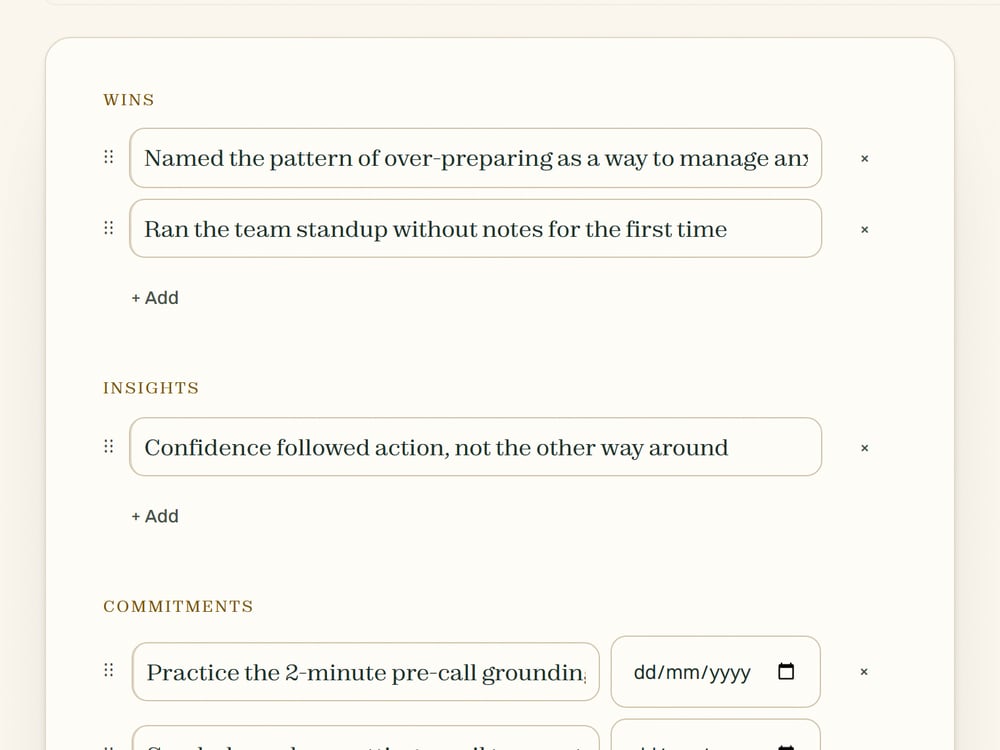
Pick a sample session and Slide drafts the recap it would hand you: the wins, the commitments, the action items, and what to work on next. Labelled samples, in the real output format.

Pick a session above and watch the recap appear.

This is the same recap your clients would get, drafted in about a minute.

What you actually get

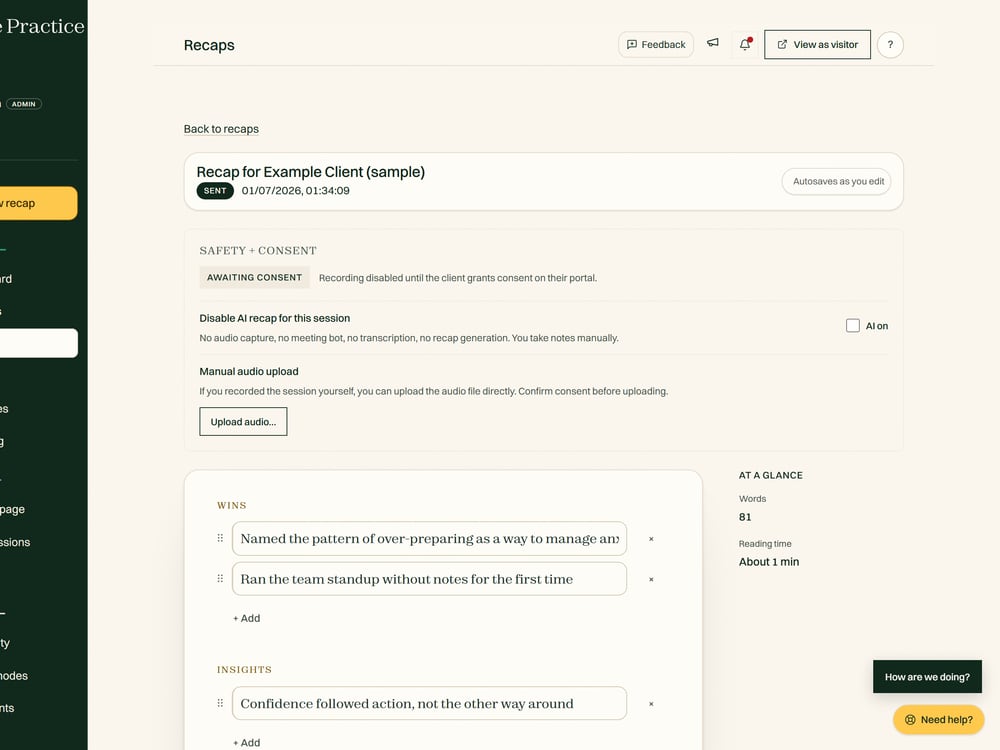
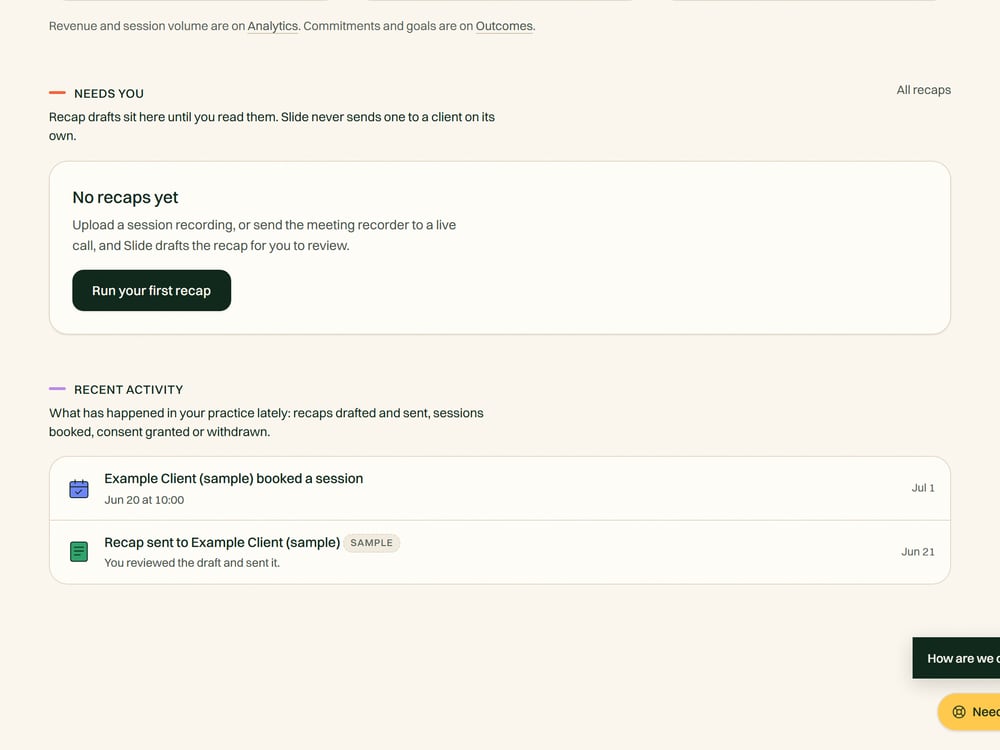
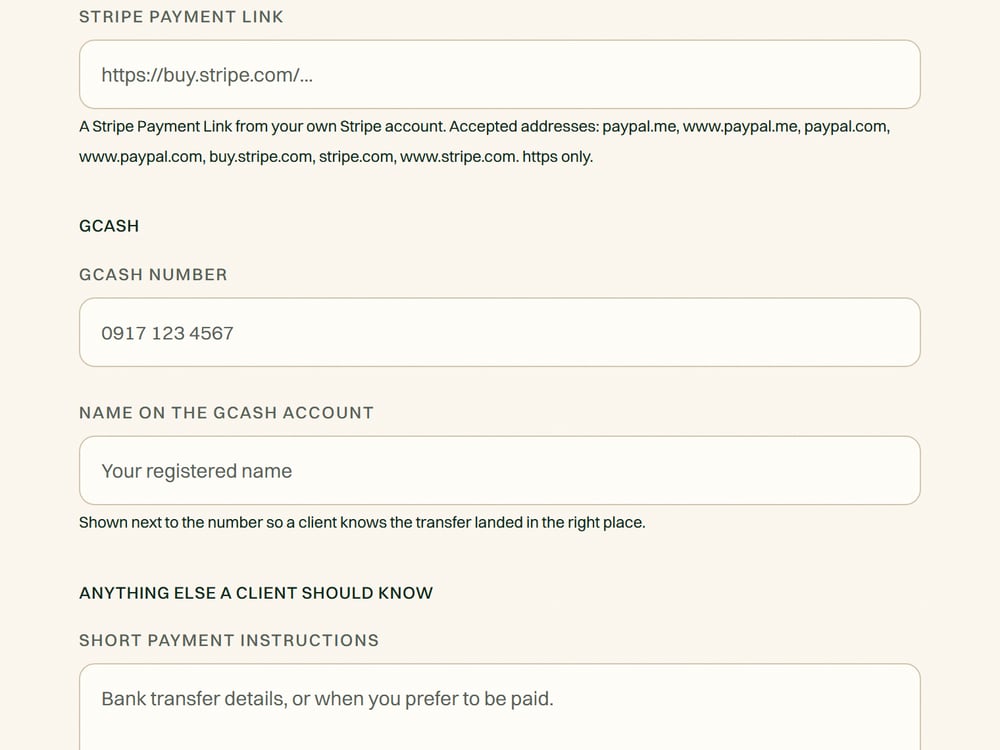
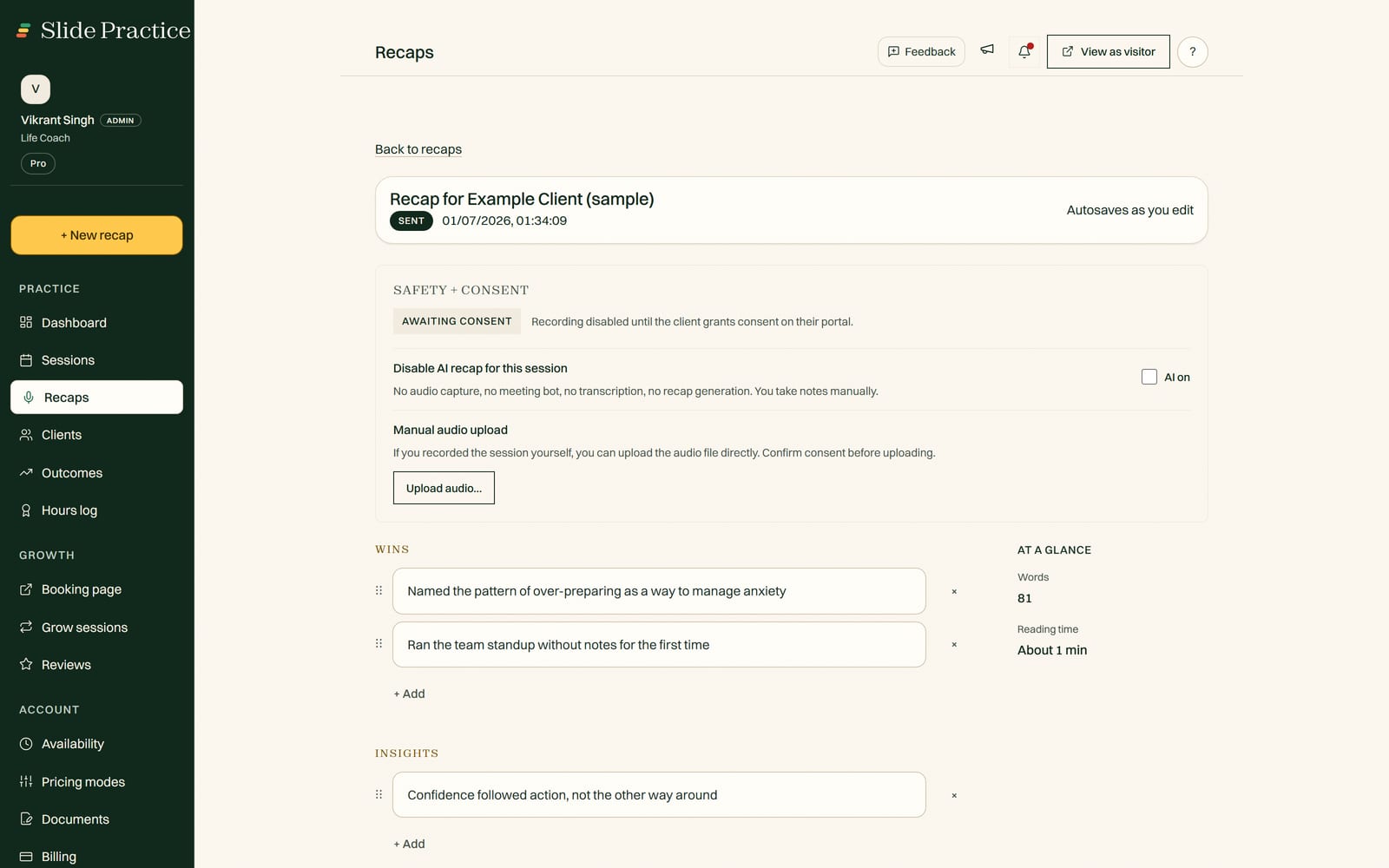
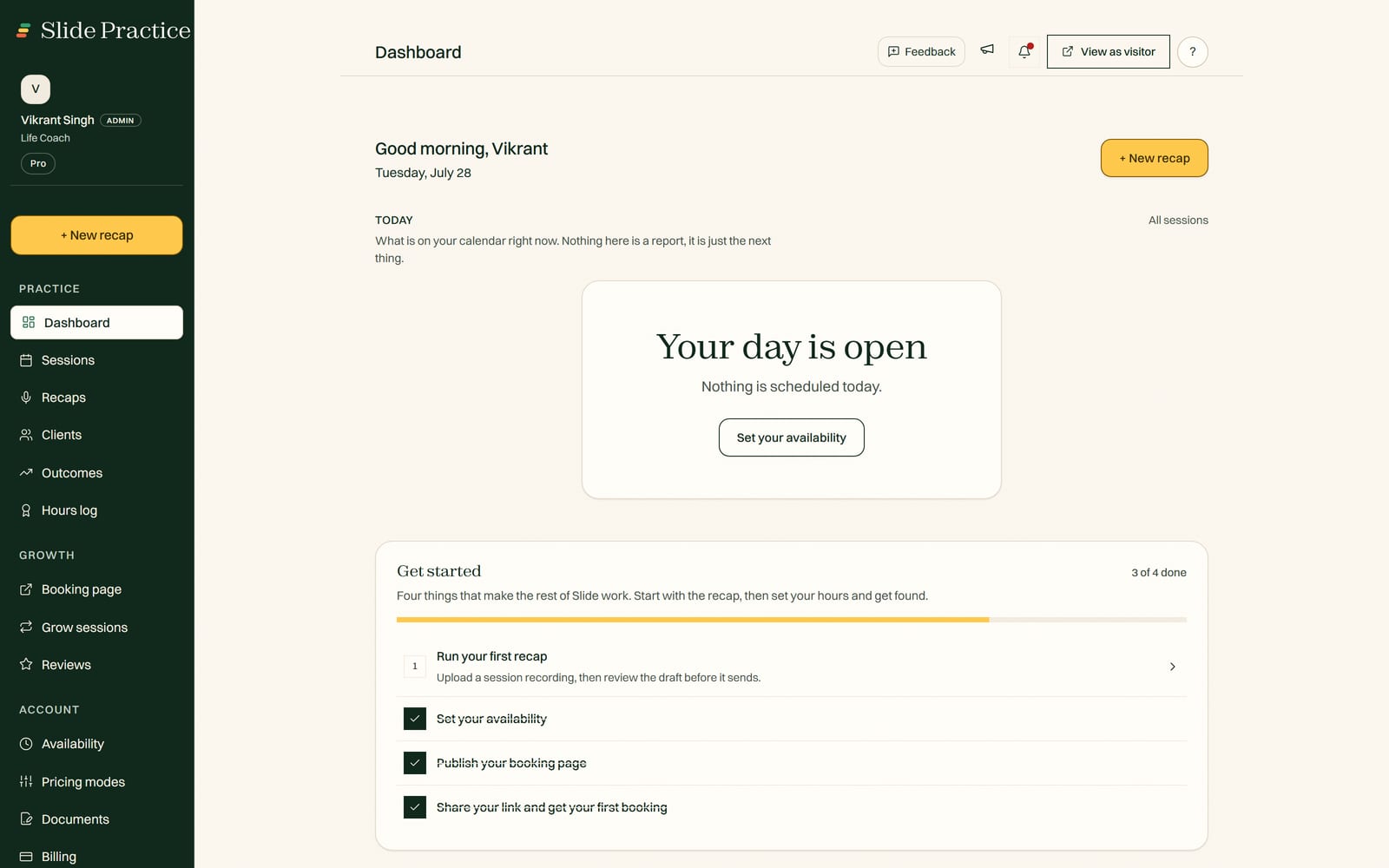
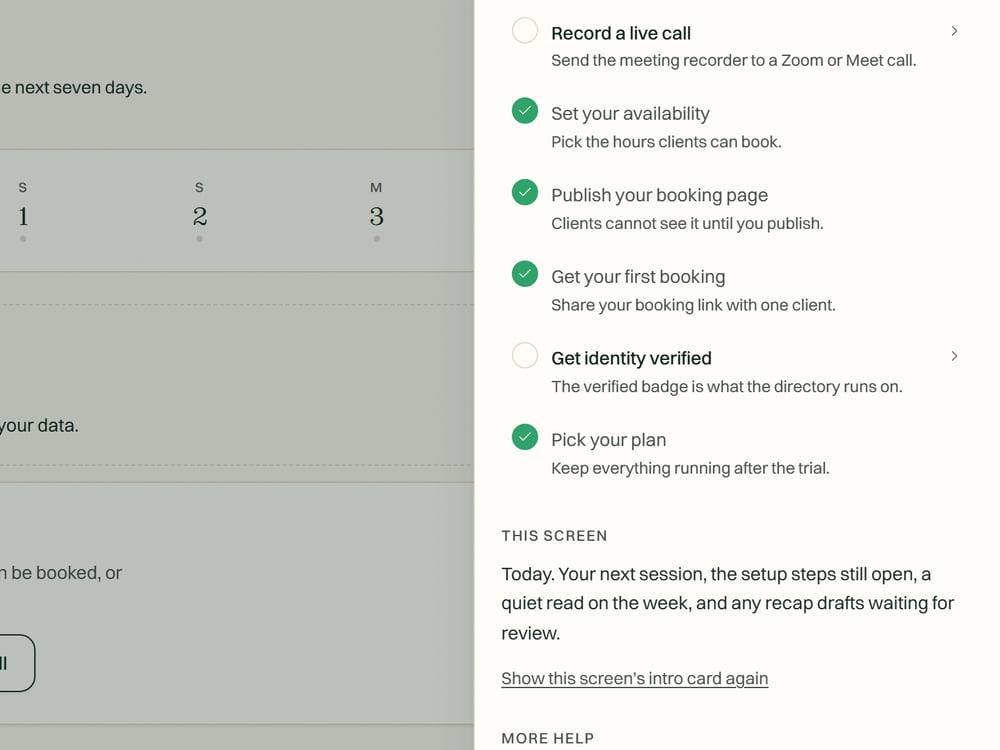
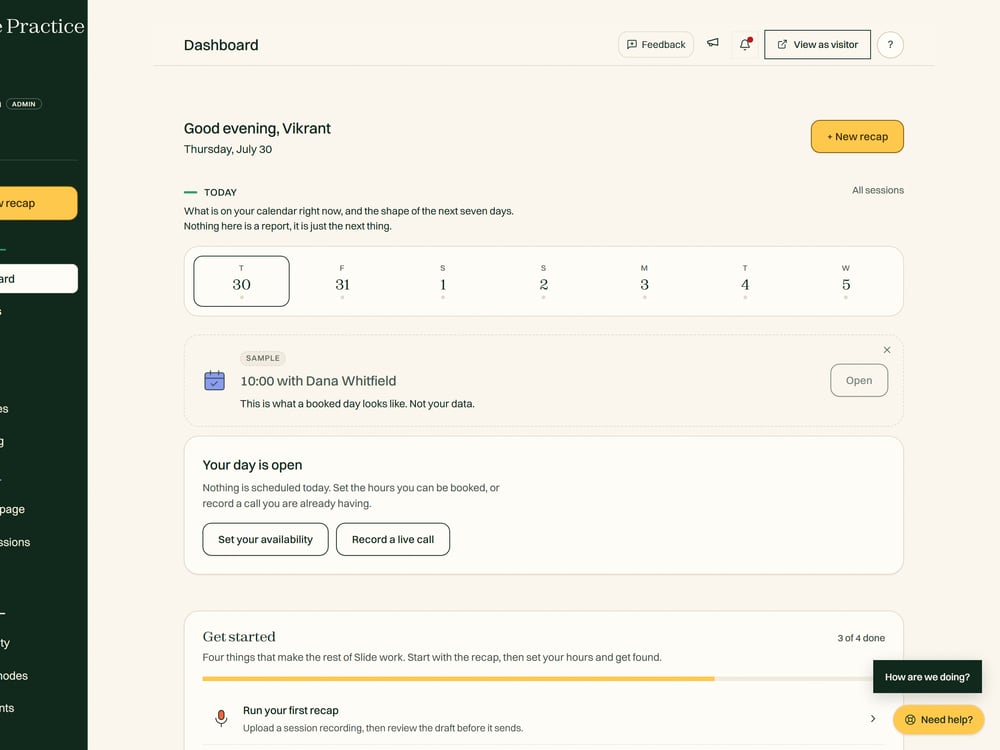
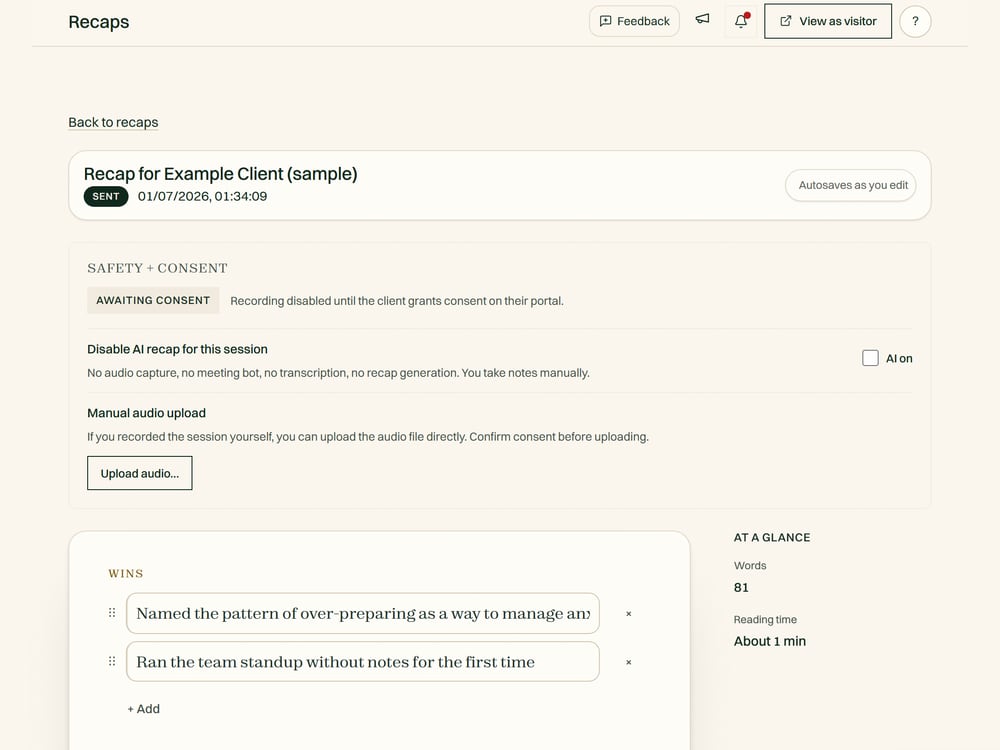
Real screens from the app.

The actual product, not mockups. What you and your clients see once a session is done.

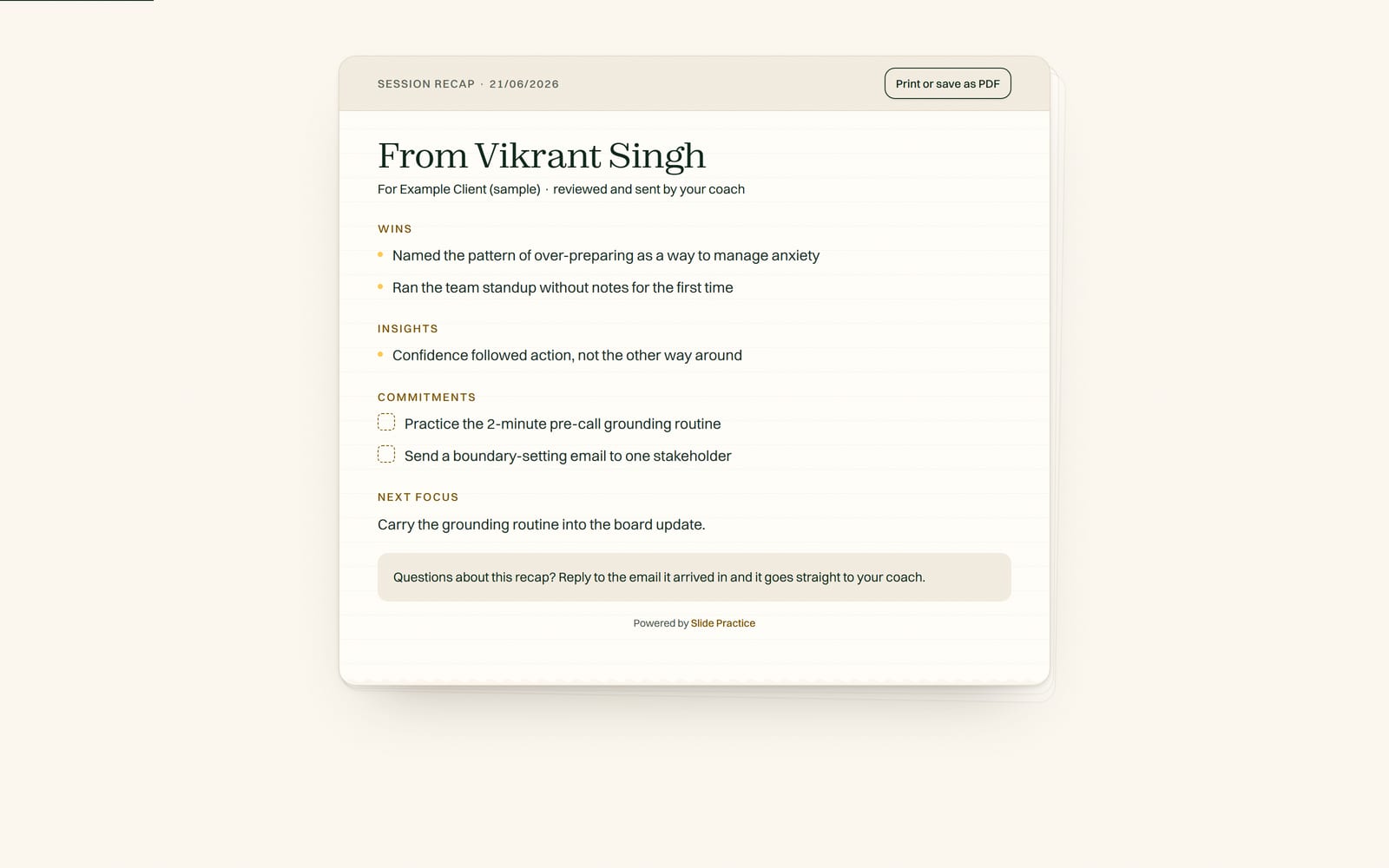
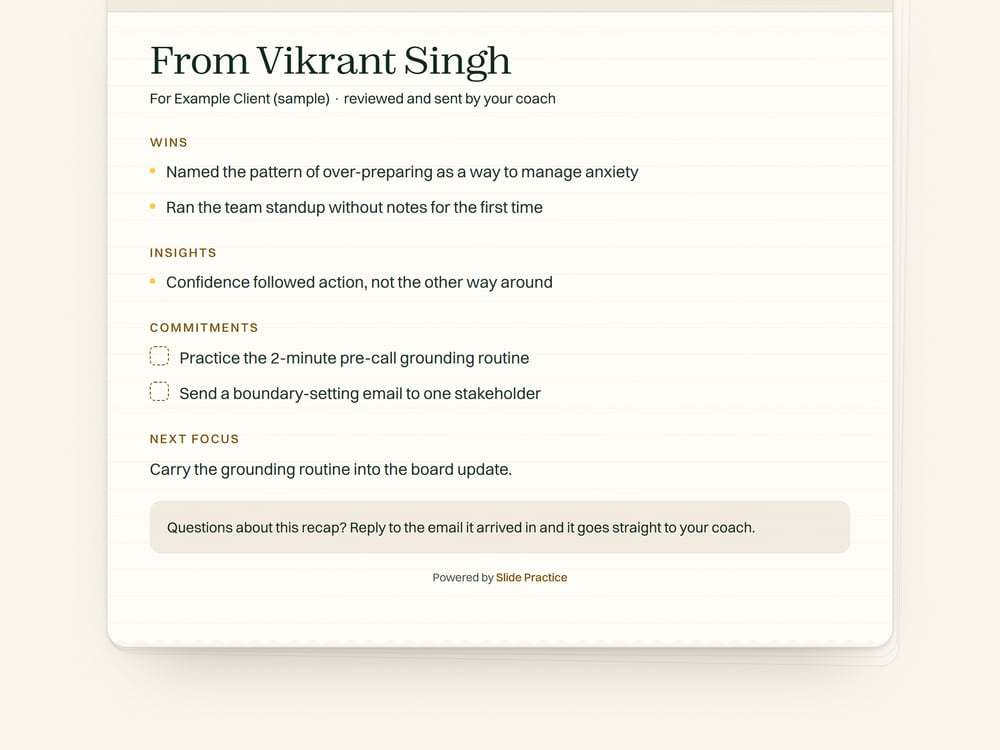
A finished session recap in Slide Practice, as the client receives it

A finished recap, exactly as your client receives it.

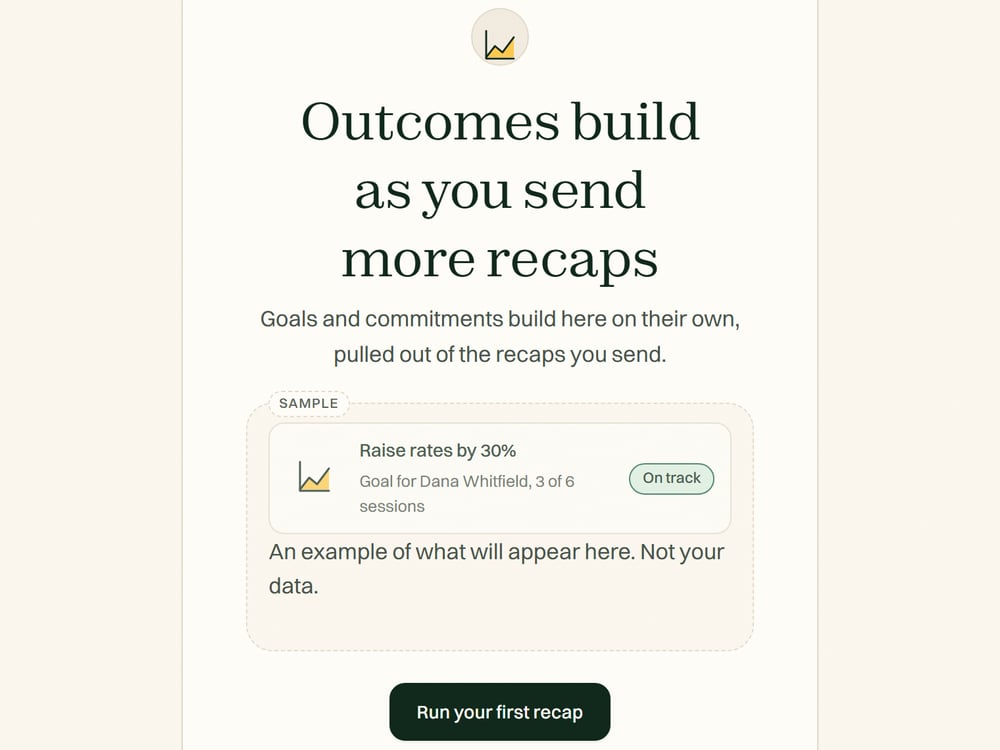
Outcomes

See what your sessions actually change.

Most tools store your sessions. Slide tracks what happens between them. Each recap captures the commitments your client made, links them to their goals, and shows progress session over session. Your client sees it in their portal; you see it across your practice.

  • Commitments completed

    11 of 14 across six weeks, in the labelled sample. Every action item your client agreed to, carried forward until it is done.

  • Goal progress

    Raise rates by 30%, session 1 to 4, up 24% so far. The difference between thinking it is going well and showing it.

  • Shared in the portal

    Your client sees the same record you do, so nobody has to remember what was agreed.

Commitment tracking and the shared progress view roll out for founding practitioners first. We show only what is live, and label what is coming.

In the box

Everything you need to run your sessions.

  • AI recaps you review and send

    The recap, the action items, and the client follow-up. You approve every word before it leaves.

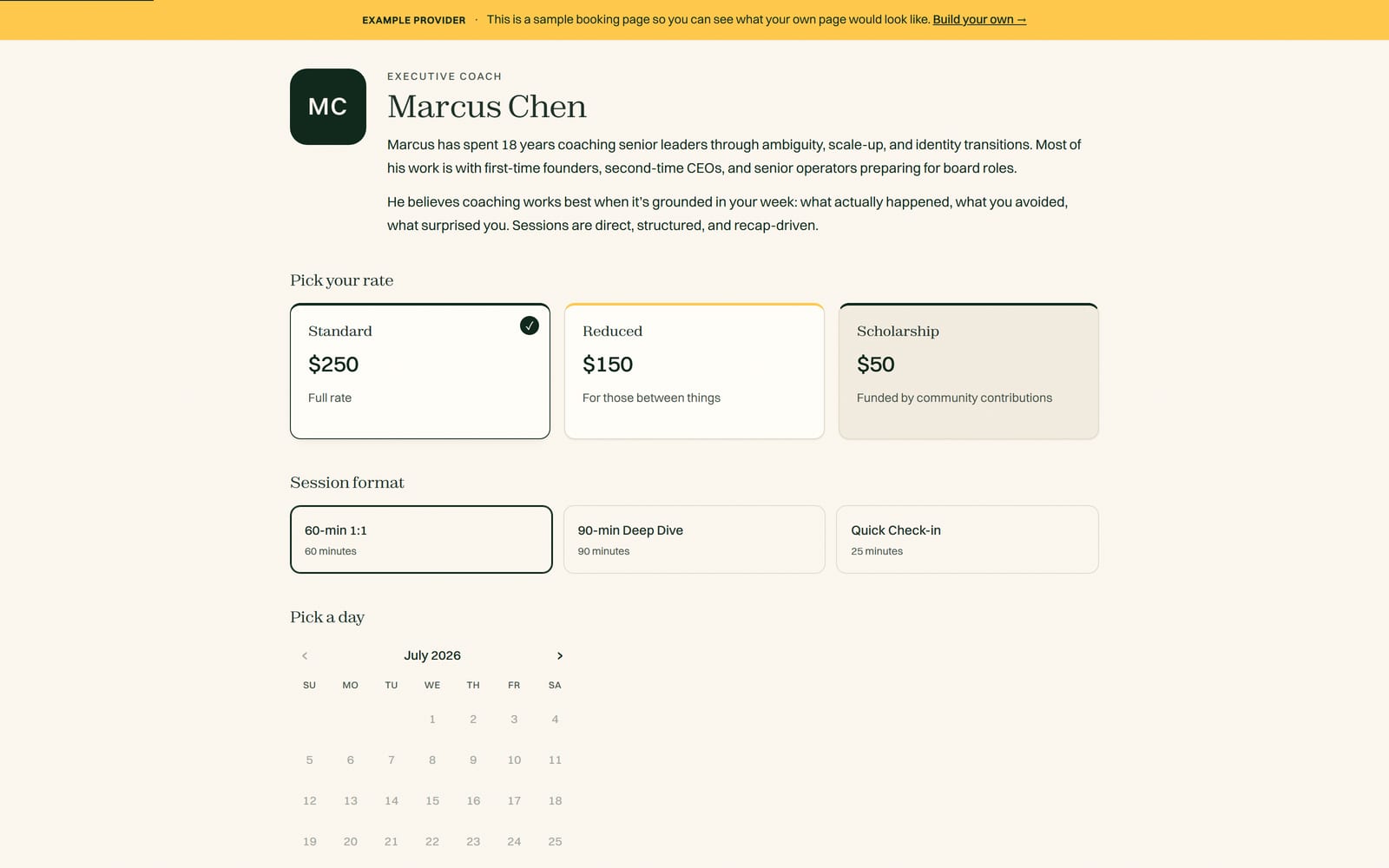
  • Booking with sliding-scale rates

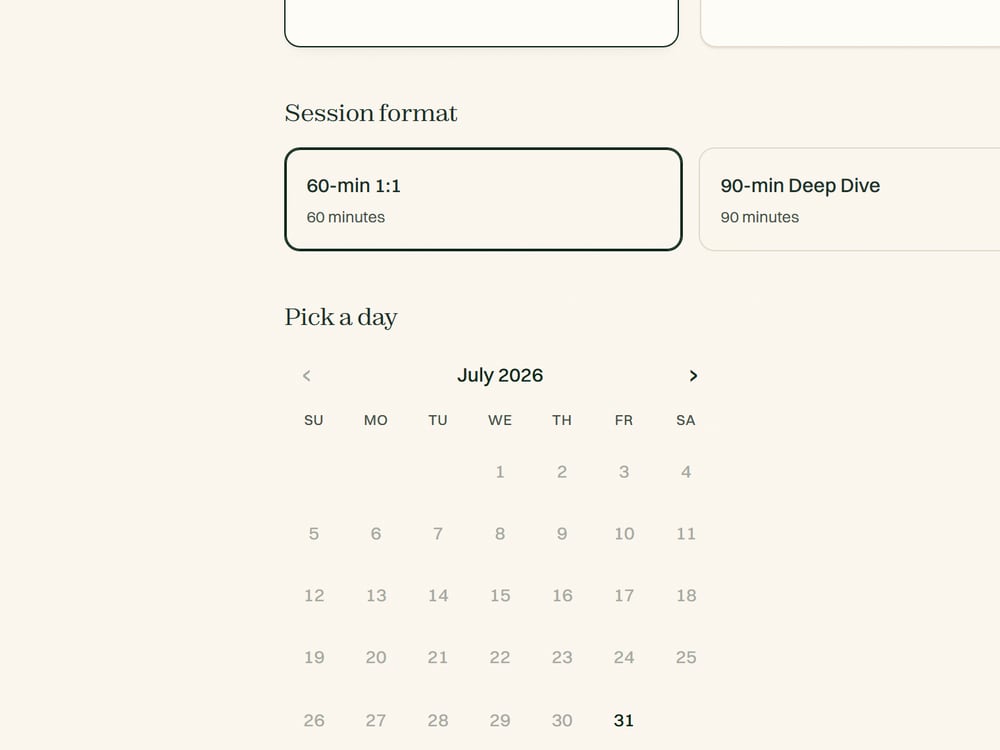
    Your own booking page, your own rates, including a sliding scale if you offer one.

  • A private client portal

    Recaps, action items, and session history, in one place your client can always reach.

  • A credential hours log

    ICF, NBHWC, or your own. Slide adds up your hours from recorded sessions and exports a clean log. Experience hours only, not continuing education units, which come from training. More for ICF coaches.

  • You keep 100% of what you earn

    On every plan, always. Slide takes no commission, ever, and never sits between you and your client's payment.

The difference

Not another admin tool, and not a meeting notetaker.

Admin and booking tools store your files but never write the session up. Notetakers hand you a transcript. Slide does both jobs, plus the one no one else does: it keeps the record of whether your sessions are working.

A fair read of each tool. Commitments and action items are live today; the shared goal-progress view rolls out for founding practitioners first.
What it does Admin and booking
Paperbell, HoneyBook, Calendly
AI notetakers
Otter, Fathom
Slide
Books sessions and stores filesYesNoYes
Writes the session recap for youNoGeneric summaryYes
Delivers it to your client, student, or memberNoNoYes
Client consent step before recordingNoNoYes
Action items pulled into the client portalNoNoYes
Tracks goal progress across sessionsNoNoRolling out
Credential hours log (ICF, NBHWC, or your own)NoNoYes

Compare Slide with a specific tool.

Founding offer

$19 a month for your first 12 months.

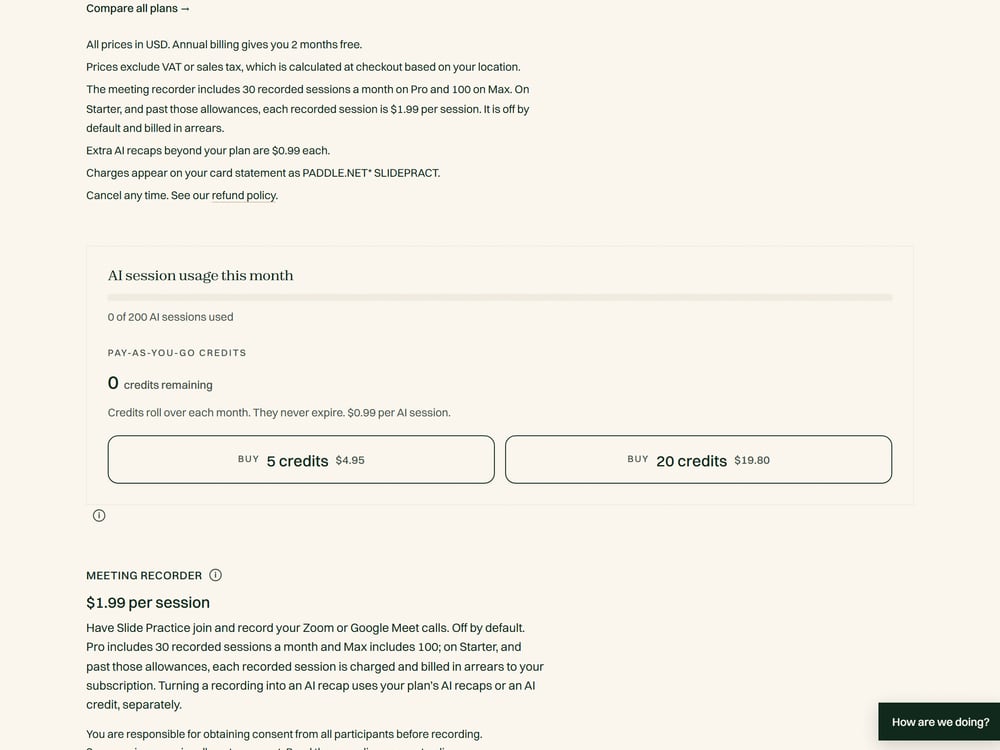
The first 30 practitioners get Pro at $19 a month for 12 months, then $29.99. 30 spots open.

Start your 7-day Pro trial

A real cap, not a fake countdown. Cancel or export anytime.