The words on this site, in plain English
Short, honest answers to the questions practitioners actually ask about session recaps, booking, sliding scale rates, client portals, and how Slide Practice fits in. Quote any answer freely.
Short, honest answers to the questions practitioners actually ask about session recaps, booking, sliding scale rates, client portals, and how Slide Practice fits in. Quote any answer freely.
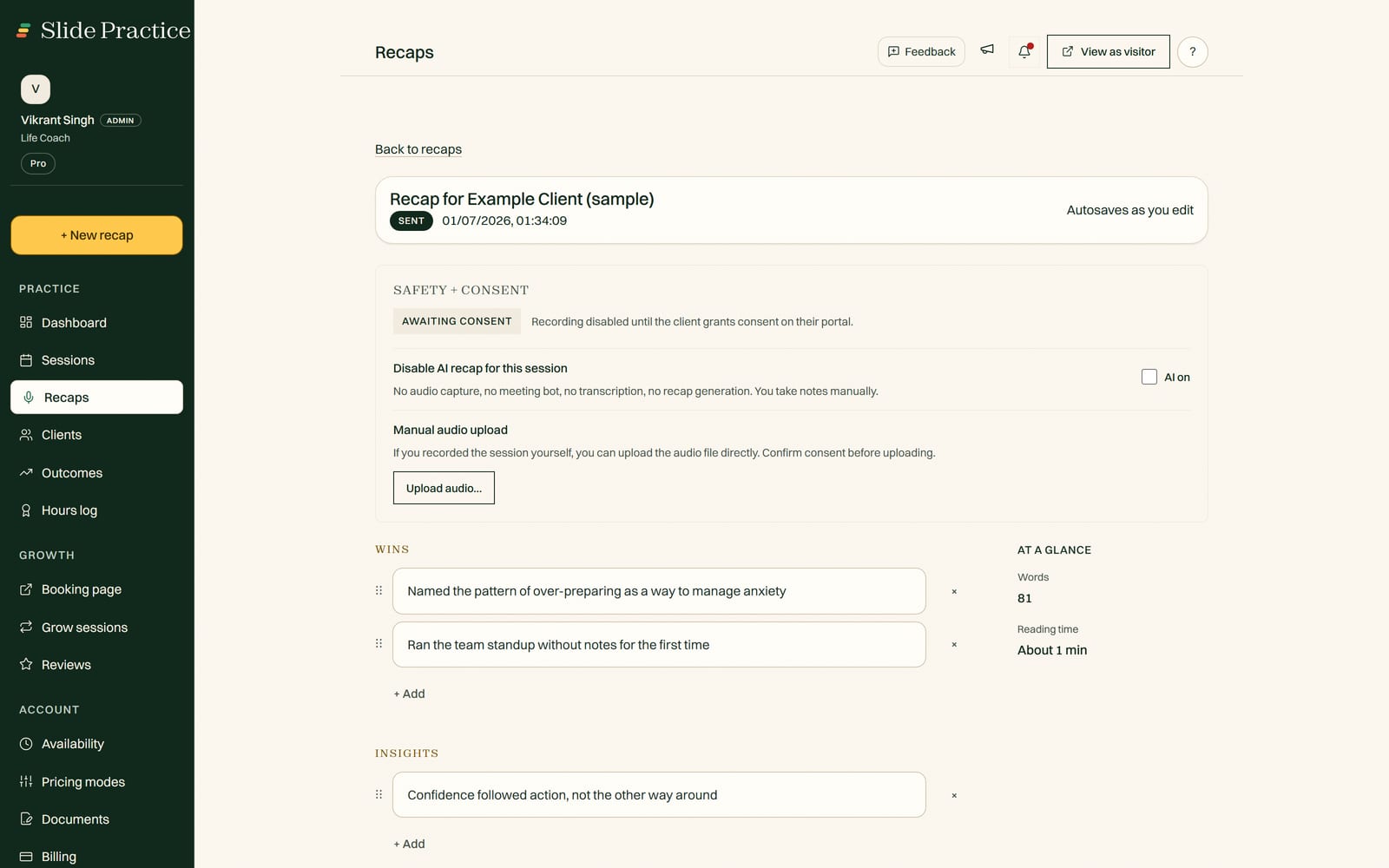
Start your 7-day Pro trialSee a sample recap
There is a lot of jargon around coaching tools, and most of it gets in the way. This page keeps it simple. Each answer below stands on its own, so you can read just the one you came for. If you are new to the category, the early entries explain the terms; if you already know the words and just want to know how Slide Practice handles them, skip to the later ones. Slide Practice is the app for any kind of one-on-one work: coaches, tutors, trainers, consultants, and more. It is built around one thing: it writes your session notes for you. It is live, built by a small team, and honest about what it does not do yet.
A session recap is a short written summary of a one-to-one session, whether that is coaching, tutoring, training, consulting, or any other practice. It captures the main themes, the wins, and the action items the practitioner and the person they work with agreed to. A good recap fits on one screen and gives that person something concrete to act on between sessions.
An AI session recap is a recap drafted automatically from a recording of the session instead of written by hand. In Slide Practice, you record or upload a session and it drafts the summary, the action items, and a follow up email in about a minute. The coach reviews the draft, edits anything, and sends it. The AI writes the first draft, but the coach stays in control of what goes out.
Sliding scale pricing means you offer the same service at different rates based on what a client can pay. It is common among practitioners who want their work to be accessible without running everything as a free favor. Slide Practice lets you set sliding scale rates so clients can pick the tier that fits them, with no extra math on your side.
A client portal is a private space where each client can see things that belong to them, like their session recaps, action items, and history with you. It keeps everything in one place instead of scattered across email threads. In Slide Practice the portal is private to each client, and the data belongs to you and them.
Coaching practice management software handles the running of a coaching business in one place. That usually means booking, client records, session notes or recaps, and a client portal. The goal is to replace a pile of separate tools and spreadsheets so you spend less time on admin and more time coaching.
Scheduling software only handles booking and calendars. Practice management is broader: it also covers client records, session recaps or notes, a client portal, and the rest of running a practice. Scheduling is one feature inside practice management. Slide Practice includes booking, but the recaps are the part it is built around.
Not strictly. You can run a small practice with a calendar, a notes doc, and email. Software starts to earn its place when admin time eats into session time, when clients fall through the cracks, or when writing recaps after every session becomes a chore you skip. If those problems are not biting yet, a free doc is a fine place to start.
No. Recording is optional and consent first. The AI recap feature needs a recording or an upload to work from, but you choose when to use it, and you should get your client's consent before recording. You can also use booking, the client portal, and sliding scale rates without recording anything.
Slide Practice writes your session notes for you. Record or upload a session, and it drafts the recap, the action items, and a follow up in about a minute, ready for you to review and send. Booking, sliding scale rates, and a private client portal round it out. See how the recaps work on the AI session recaps page.
No. Slide takes no commission, ever. You pay a flat monthly price for the software and keep all of what your clients pay you. There are optional add ons billed to you, like meeting recorder sessions past your plan allowance at $1.99 each and extra recaps at $0.99 each, but those are software charges, not a cut of your income.
It is live. Founding access is open now, and it is available to everyone now. Start a 7-day Pro trial anytime.
Not yet. Slide Practice is not a payment processor or marketplace. For now, practitioners collect payments their own way, for example through PayPal or a similar tool, and use Slide Practice for recaps, booking, and the client portal. If that is a dealbreaker for you, it is fair to wait.
The founding offer is for the first 30 practitioners who join as we grow. Founding practitioners get the Pro plan at $19 a month for their first 12 months, then it moves to the regular Pro price of $29.99 a month. The group is capped at 30 so we can support early practitioners closely while the product is young.
Slide Practice is founder-led and built in Manila by a team of three co-founders; Vikrant Singh, co-founder and Chief Executive Officer, is who you will hear from. Our background is in business and software, not practice work, so the product is shaped by talking with practitioners rather than by being one. Your clients and your data are yours, and recording is always consent first.
No. Slide Practice is an added listing, not a walled garden, so there is no exclusivity requirement. You keep your own website, your social accounts, your booking tools, and your payment methods, and you can list those links right on your Slide Practice profile, which appears in the find a practitioner directory. You are free to work across as many platforms as you like, and if you ever decide to leave, you can export everything you have put in, at any time.
Identity verification is free on every plan. When a practitioner asks to be verified, the Slide Practice team confirms they are a real person, using their real photo and their real name. We do not allow AI generated identities. Profiles that pass the check show an Identity verified badge, and no badge means not verified yet. Using AI to help draft your bio text is allowed, but faking your identity is not. You can read the full process on the identity verification page.
If a question you have is not answered here, the pricing page covers plans and add ons in detail, and the comparison page sets Slide Practice next to other tools, including where those tools are stronger. Slide is the newcomer, so it is worth comparing honestly before you switch anything.
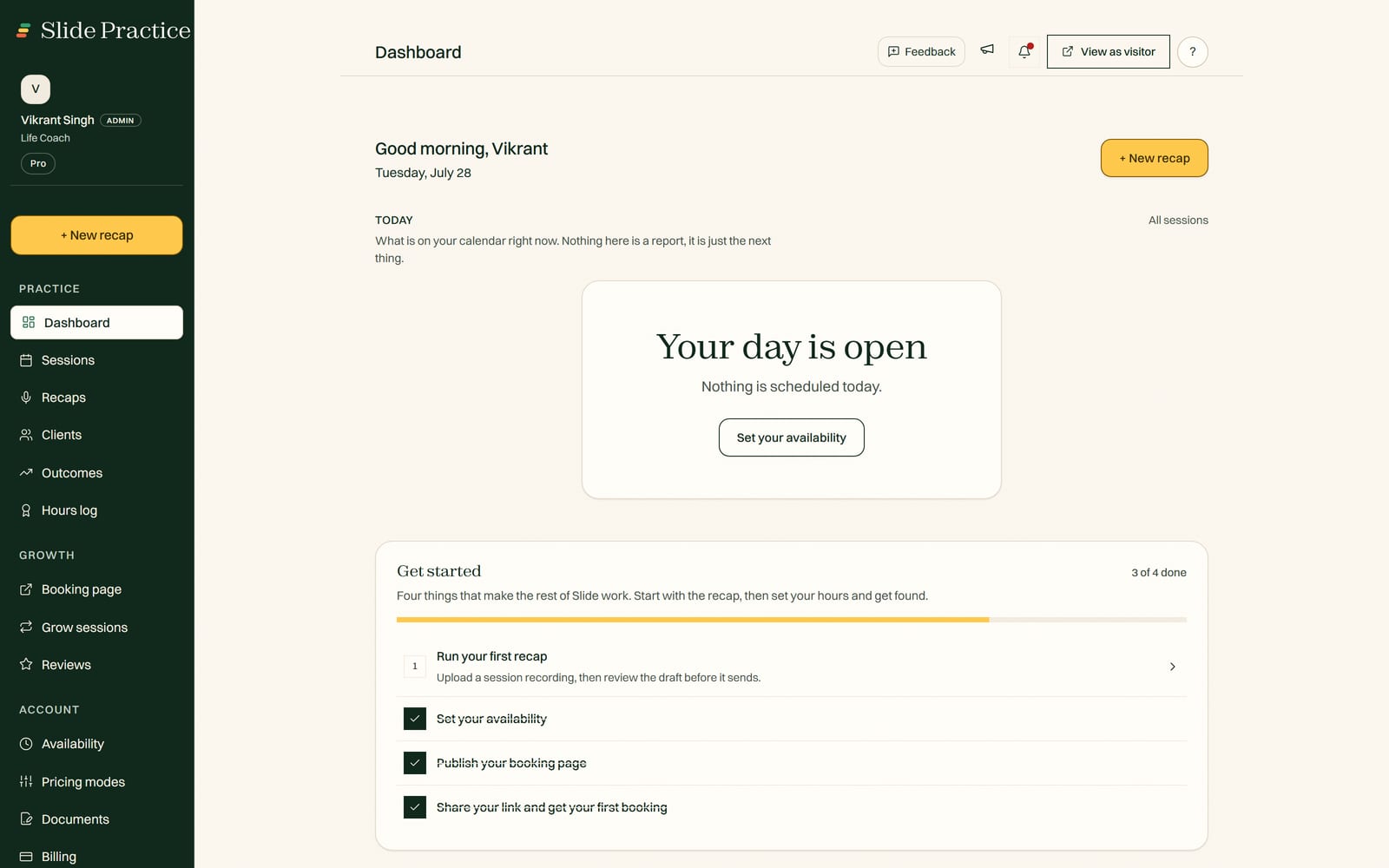
Start today
AI session recaps, booking, sliding scale rates, and a private client portal, in one place. Start a 7-day Pro trial, no card. The first 30 founding practitioners get Pro at $19 a month for 12 months, then $29.99.
Start your 7-day Pro trialEvery coach starts with a 7-day Pro trial. No credit card. Founding access is open now.