A free public profile
A page at slidepractice.com/p/your-handle, free on every plan, plus a listing in the directory where clients can find you on Pro and Max. There is no commission on what you earn.
Free identity verification
A real person on our team checks that you are a real person. Free on every plan, and the badge shows on your profile and in the directory. How verification works.
Smart booking
One link. Clients book and reschedule around your real availability, and they pay you directly, your own way.
Sliding scale pricing
Offer full, reduced, and community rates so clients pick what they can afford.
Private client portal
Each client gets a space for recaps, notes, documents, and next steps.
A 7-day Pro trial
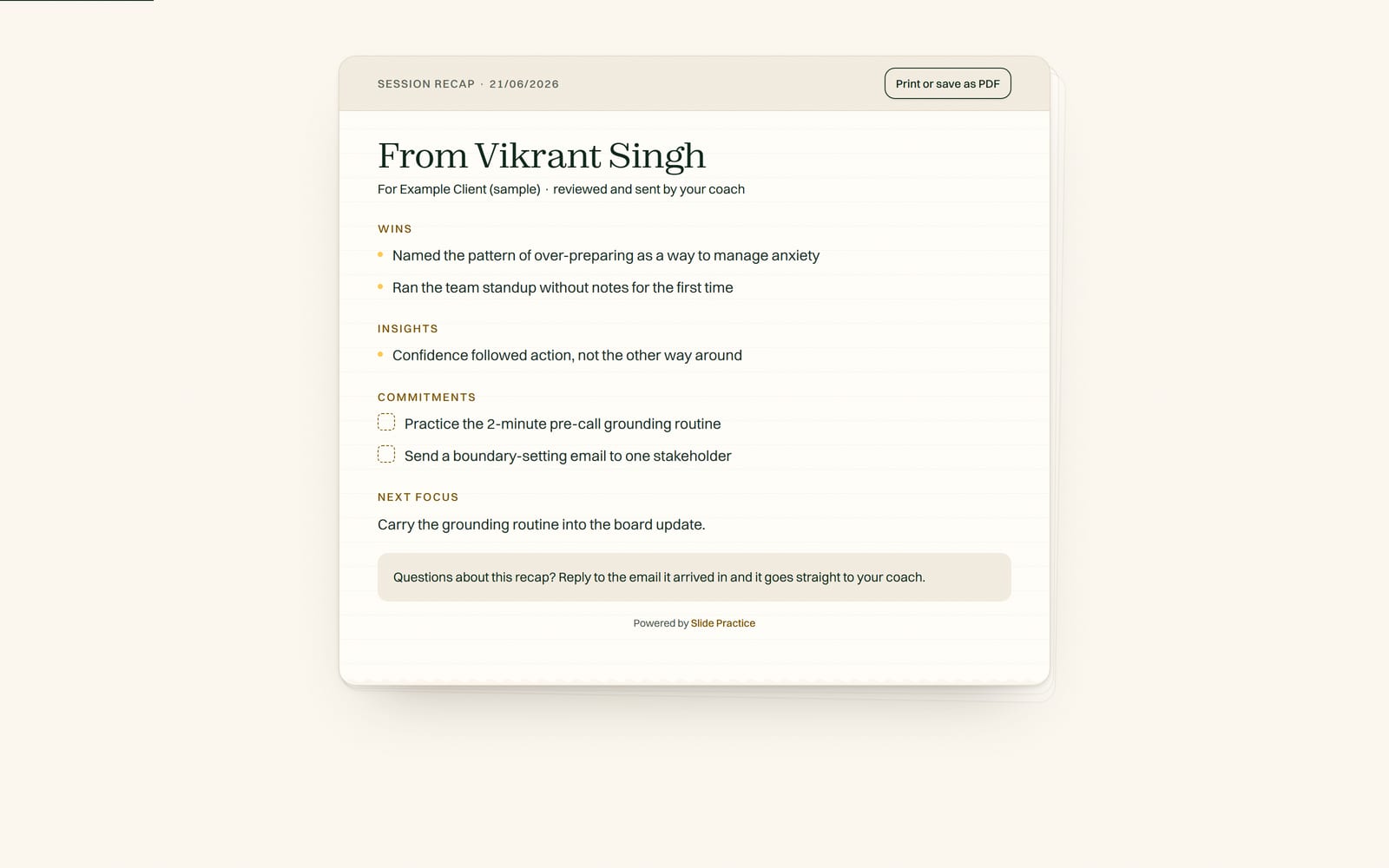
Session recaps written for you, free for seven days, no card. There is no automatic charge at the end; you pick a plan to continue.
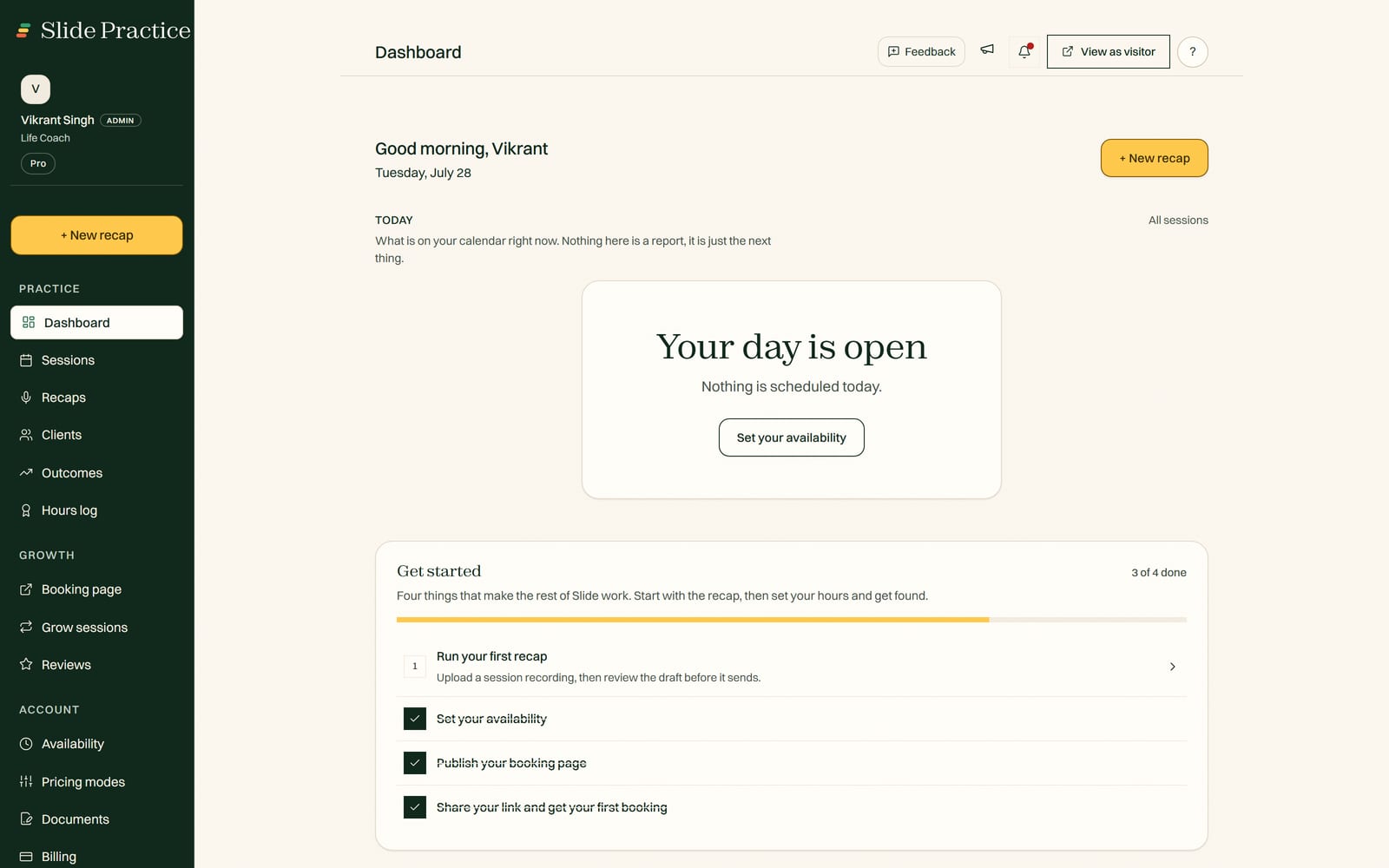
This is the actual sign-up flow, in order. Nothing is permanent: everything below is editable afterwards.
Then you pick a plan. That is the whole thing.
Founding practitioners
Join the first 30 founding practitioners and get Pro at $19 a month for your first 12 months, then the standard $29.99, with a direct line to the founders as you grow.
I am brand new. How do I start?
Every new practitioner starts with a 7-day Pro trial, no card required, and session recaps are included during it, so you can run real sessions and read the write ups before you choose a plan. At the end there is no automatic charge: your access pauses until you pick Starter, Pro, or Max. You keep 100% of what you earn on every plan.
Is the public profile really free?
Yes. The public profile and identity verification are free on every plan, and Slide takes no commission, ever. A listing in the directory is part of Pro and Max. Clients pay you directly, your own way, and Slide never handles your clients' payment details. You only pay for a plan when you want the session recaps. Add your practice.
How do I get my first clients?
Two ways. Your listing appears in the directory, where people looking for a practitioner can find you and book. And you can share your one booking link anywhere: your bio, a DM, an email. Either way clients pick a time, book, and land in your portal. No website required, though you are welcome to keep the one you have.
What if I do not know what to charge?
Use sliding scale pricing. Set your full rate and Slide suggests a reduced rate and a community rate from it, so clients pick what they can afford. It lowers the awkwardness of pricing when you are new, and you can change all three at any time.
When do session recaps kick in?
They are included in your 7-day Pro trial, then on Starter ($14.99 a month) and up. Starter includes 20 recaps a month, with extras at $0.99 each; on Pro ($29.99) it is 200 a month and on Max ($49.99) it is 500, which a full-time practice does not reach. Today you get a recap by uploading a session recording, which works on every plan. The meeting recorder, where Slide joins your Zoom or Google Meet call and records it for you, works today as well: you paste the meeting link and the recorder joins that call. Slide noticing a meeting on your calendar and sending the recorder by itself is not built.
Uploading a recording after the session works today, on every plan. See the roadmap.