Practice.do shut down in November 2025. The app and its export tools are no longer available, so the old Settings, Account, Export Data path is gone. Many coaches were left without a clean way to move their clients, session history, and programs.
AI session recaps
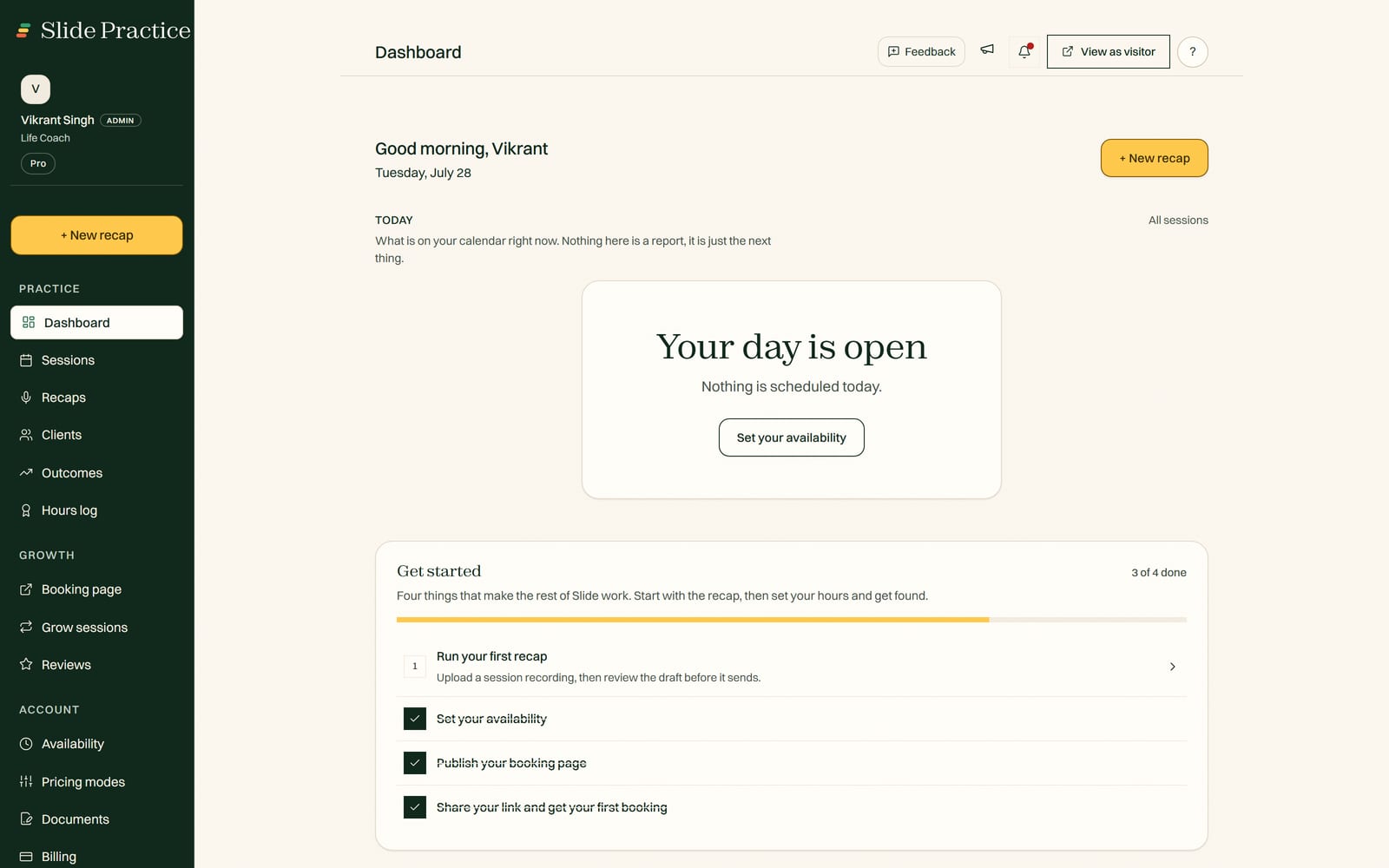
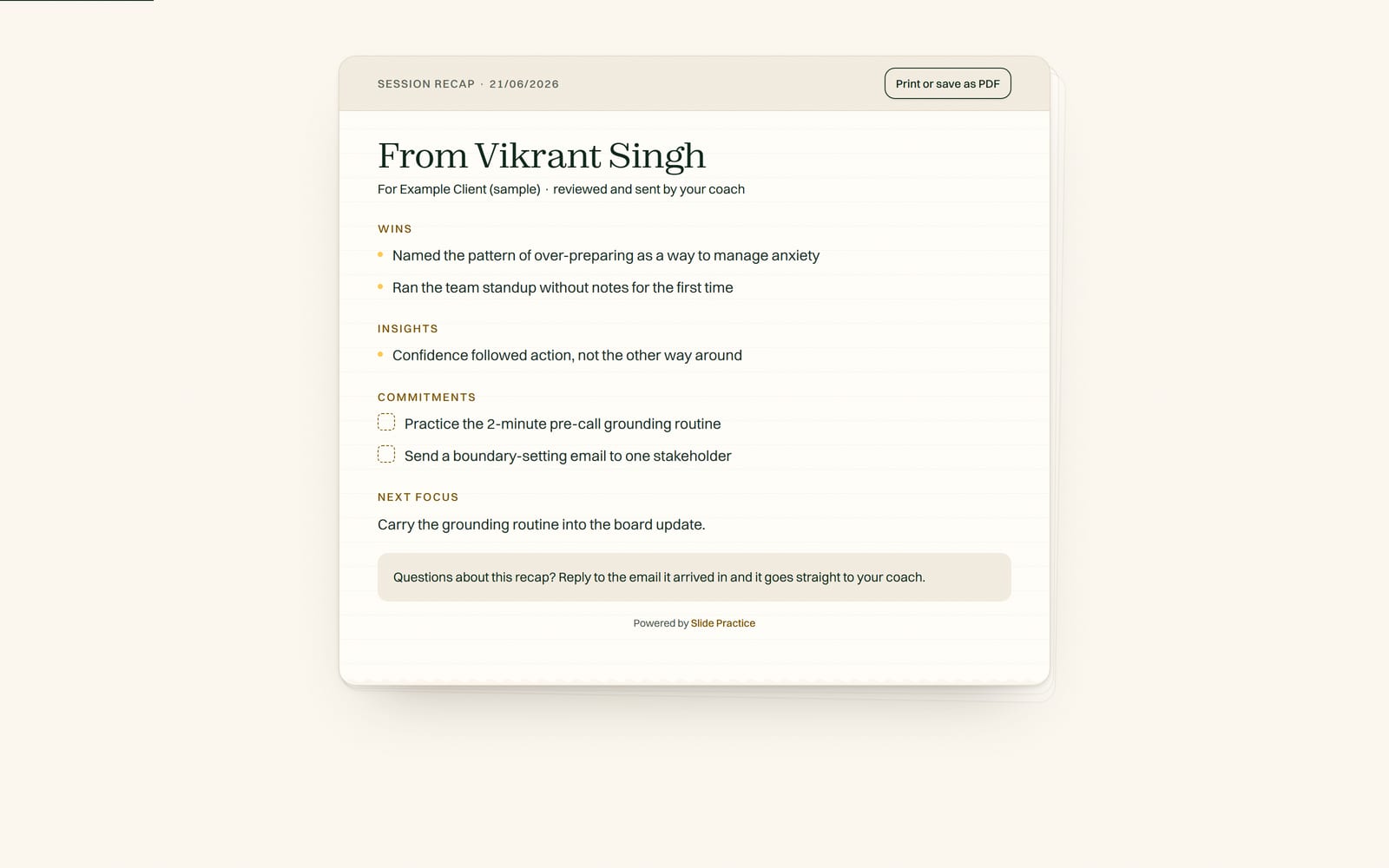
Record a session and Slide Practice writes the summary, action items, and a ready follow up automatically.
Smart booking
One link. Clients book and reschedule around your real availability.
Sliding scale pricing
Offer full, reduced, and pay it forward rates so clients pick what they can afford.
Private client portal
Each client gets a space for recaps, notes, documents, and next steps.
What we can and cannot access
We cannot log into your old account or platform, and you never share a password with us. You export your data, or send us whatever you still have, and we build your Slide Practice setup from it. We do not keep standing access to your account or your clients' information beyond what you choose to import, and you can export everything from Slide Practice at any time.
Guided migration for founding practitioners
The first 30 founding practitioners get hands on, guided migration support, plus Pro at $19 a month for their first 12 months, then the standard $29.99.
Is Practice.do really shutting down?
Practice.do shut down in November 2025. The platform and its export tools are gone, so bring over whatever you saved before it closed.
Can I keep my clients and session history?
Yes. Slide Practice brings over your clients (name, email, phone, notes), past bookings as records, and active programs. Because the export tools are gone, what we can bring over depends on what you saved before the shutdown. We import whatever you have, and help you rebuild the rest. Any recurring billing is set up fresh in Slide Practice.
How do I export my data from Practice.do?
Practice.do has shut down, so there is no in app export to run anymore. If you exported your data before access ended, or kept client details somewhere of your own (a spreadsheet, invoices, emails, your calendar), send us whatever you have and we will import it for you. If you have nothing saved, some historical data may be unrecoverable, but we will help you rebuild your client list and bookings from the records you still have.
How long does migrating take?
It depends on how much you are bringing and what you exported. We do not promise a set time. Send us what you have and we handle the import for you, with guided migration support for founding practitioners.
How much does Slide Practice cost?
Start with a 7-day Pro trial, no card. After the trial, Starter is $14.99 a month (20 AI recaps), Pro is $29.99 a month (200 AI recaps), and Max is $49.99 a month (500 AI recaps). Slide takes no commission, ever. The meeting recorder, where you paste a meeting link and Slide joins that call and records it for you, works today as well. The first 30 founding practitioners get Pro at $19 a month for their first 12 months, then the standard $29.99.