Start your 7-day Pro trialSee a sample recap
What each one is for
These two tools sound similar because both sit around client work, but they solve different problems. The honest way to choose is to know what each was actually built to do.
Quenza is a client engagement platform, and its job is the time between sessions. You build or pick from a library of activities, exercises, and short lessons, then bundle them into pathways, which are timed sequences that drip out to clients with reminders. You can see who completed what, leave feedback, and keep clients moving on structured programs. It grew out of a long running positive psychology resource catalog, so its content library and its focus on between session work are mature.
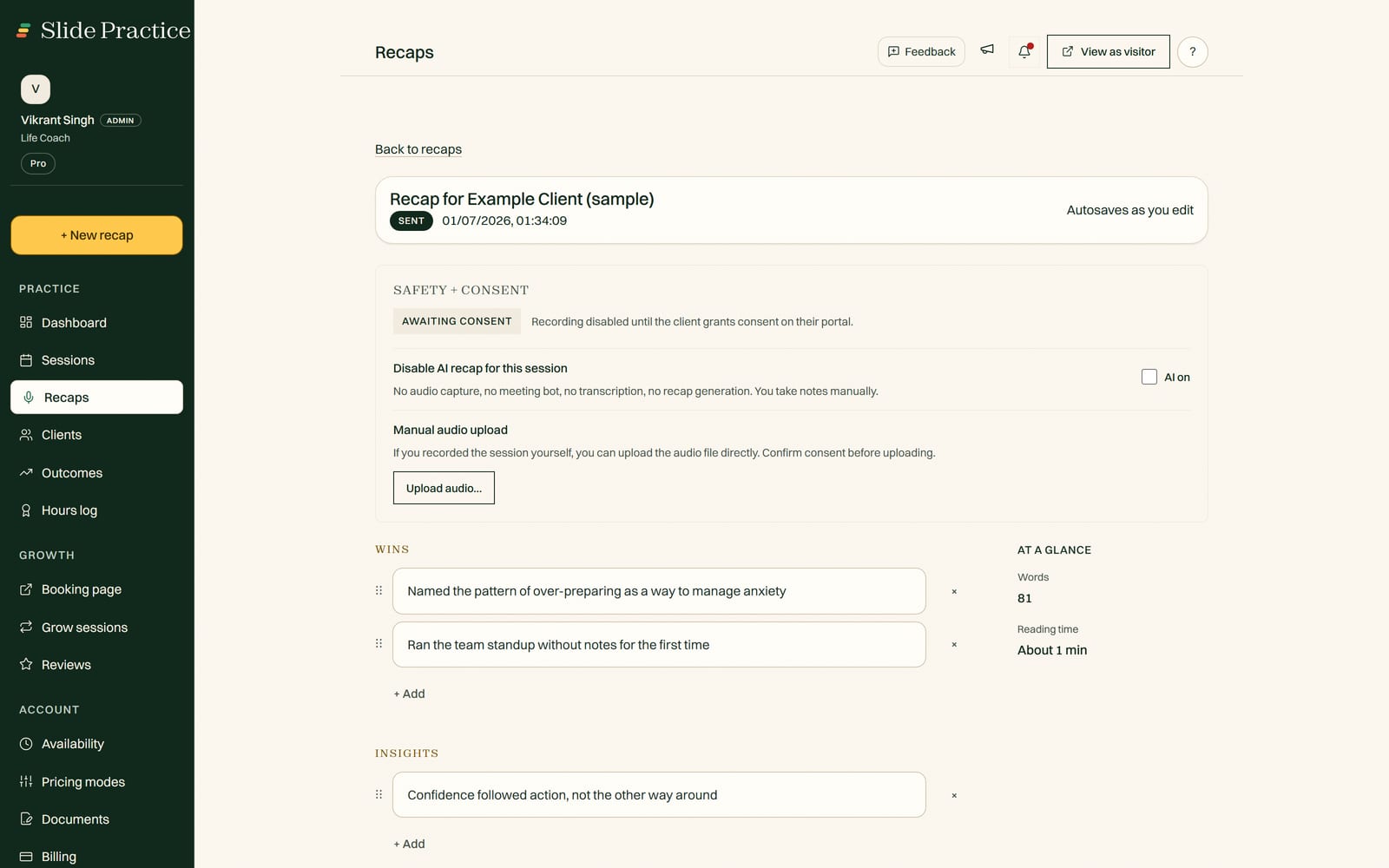
Slide Practice is built around the session itself, and the work it removes is the write up. You record or upload a session, and in about a minute Slide Practice drafts the recap, pulls out the action items you both agreed on, and writes a follow up email in your practice's language. You review it, edit anything, and it is delivered to your client through a private portal, with recording kept opt in. From there the commitments and goals are tracked across sessions, so you can see what your work is changing, and recorded sessions build an ICF coaching hours log for the coaches who need one. Around that core it adds booking on one shared link, sliding scale rates, identity verification, and a public profile in the Slide Practice directory. It is new and live, not a mature catalog tool.
So the quick test: if your day is mostly about assigning and tracking exercises between sessions, Quenza is the more proven fit. If your day is mostly sessions, and you want the write up, the follow up, and the record handled for you, that is where Slide Practice is aimed.
Where Quenza is genuinely stronger
Quenza has years of focus on a specific job, and it shows. It is fair to name where it leads.
- Between session delivery. Activities, pathways, automated reminders, and completion tracking are the core of the product, not a side feature. If that is what you need most, Quenza does it deeply.
- A ready content library. It ships with a large set of made exercises, assessments, and psychoeducation material you can use as is or adapt. Slide Practice has nothing like this, and building it would take years.
- Maturity in its niche. Quenza is established, with a track record among practitioners who handle sensitive client material, and security practices built for it. Slide Practice is new and live, and still young.
If those points describe your practice, the honest recommendation is to look hard at Quenza, or to keep it.
Where Slide Practice is different
Slide Practice is not trying to be a better activity library. It is solving a different problem, the one that eats your evenings, and two more that no activity tool touches.
- The session recap, written for you. This is the wedge. Record the session, and Slide Practice drafts the summary, the action items, and a follow up email in about a minute. You review and send, and your client reads it in a private portal. See how AI session recaps work.
- The record across sessions. Each recap feeds a running view of the commitments and goals you set, so you can show a client, and yourself, that the work is moving. Built in and shipped, not a promise.
- Identity verification. You verify who you are once, and a verified badge sits on your public profile. When a stranger is deciding whether to trust an hour of their life to you, that is the difference between a claim and a check. Quenza does not do this. Read how verification works.
- A public directory. Your profile is listed in the Slide Practice directory, where someone looking for a practitioner in your field can find you. Quenza works with the clients you already have.
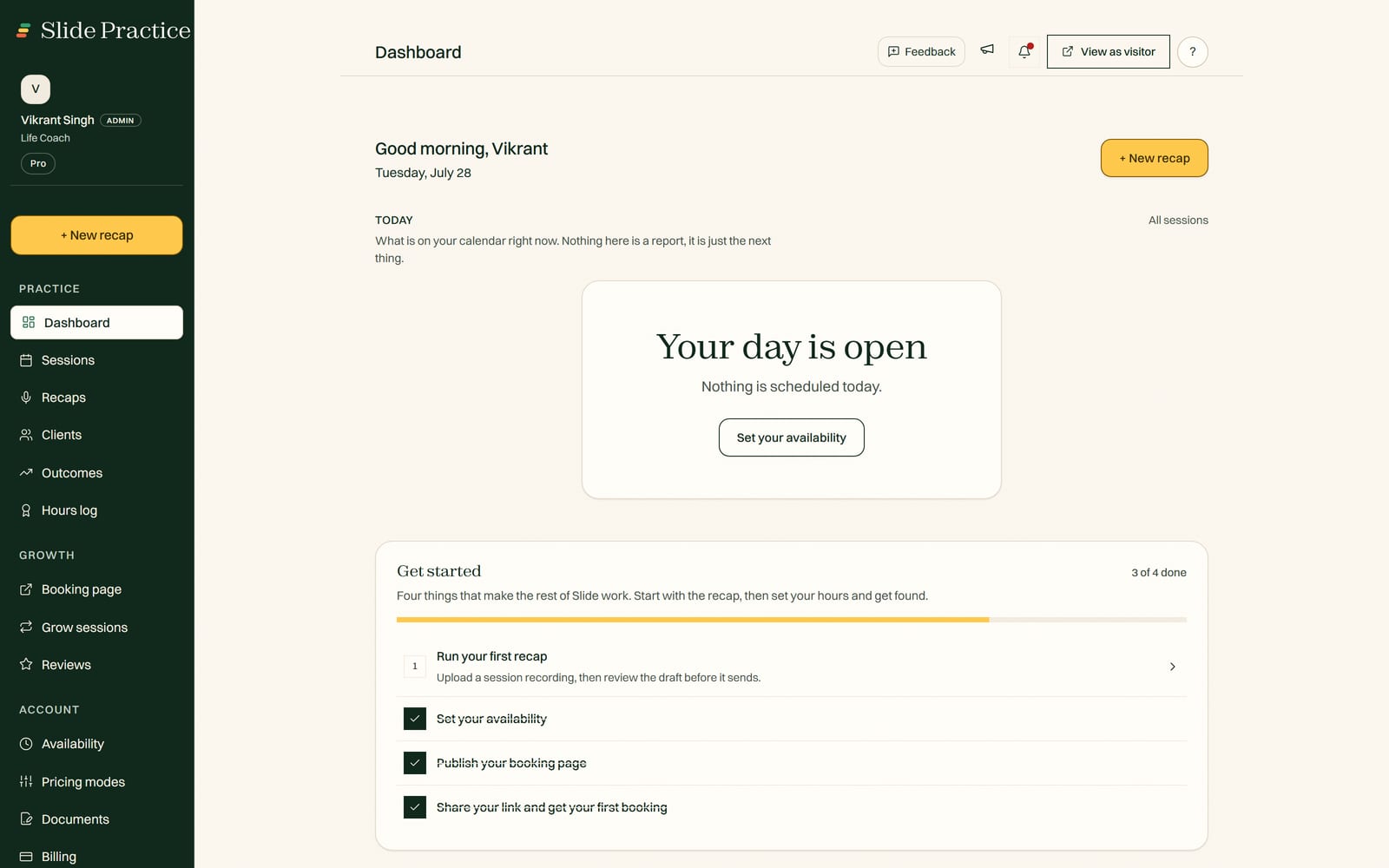
- Booking and a client portal. Clients book on one shared link, and each one gets a private space to read their recaps and follow ups.
- Sliding scale rates. Set full, reduced, and pay it forward prices without awkward workarounds, useful if you offer reduced rates to some people.
- You keep 100% of what you earn. Slide takes no commission, ever, on any plan.
Side by side
No tool wins every row. This table is meant to help you place each one, not to crown a winner.
| | Slide Practice | Quenza |
|---|
| Between session activities and pathways | Not offered | Core strength, large library |
| Ready made exercise and assessment content | None | Extensive, established |
| Writing the session recap for you | Core feature, drafts in about a minute | Not the focus |
| Action items and follow up email drafted | Drafted for review | Manual |
| Progress and goals tracked across sessions | Built in, fed by each recap | Completion tracking on activities |
| Identity verification for practitioners | Built in | Not offered |
| A public directory clients can search | Built in | Not offered |
| ICF coaching hours log | Built in | Not offered |
| Booking on one shared link | Built in | Limited |
| Sliding scale and pay it forward rates | Built in | Not a focus |
| Maturity and track record | New, live | Established product |
| Commission on what you earn | None, ever | None on your earnings |
Everything on this page about Quenza was last checked in July 2026, from its public site. Prices and features move, so read Quenza's own pricing page before you decide.
Note that Slide Practice is not a payment processor or a marketplace, so you still collect payments your own way, with PayPal or a similar tool. It does not ship a library of exercises, and it does not run care pathways. Those are Quenza's strengths, and pretending otherwise would waste your time.
Where Slide Practice is in its life right now
Slide Practice is live. Founding access is open now. The founding group is capped at 30 practitioners, who get Pro at $19 a month for their first 12 months, then $29.99. It is built and run by a small team based in Manila, who come from a business and software background, not from working with clients one to one, so the product is shaped by what practitioners ask for. Recording is consent first, and your clients and your data stay yours. These two tools barely overlap, so some practitioners will reasonably run both: Quenza for between session exercises and pathways, Slide Practice for the session write up, the follow ups, booking, and the portal.
What Slide Practice costs
Slide Practice is a flat monthly price. Every new practitioner starts with a 7-day Pro trial, no card. When the trial ends you choose a paid plan: Starter at $14.99 a month, Pro at $29.99 a month (the best value tier), or Max at $49.99 a month. Founding practitioners keep Pro at $19 a month for their first 12 months. Recording a session with Auto Join is $1.99 per session, and extra recaps beyond your plan are $0.99 each. There is no Team plan, and Slide takes no commission, ever, on any plan. Subscriptions are billed through Paddle, our merchant of record, and Slide never touches the money your clients pay you. We do not quote Quenza's exact prices here, because they change and we would rather not get them wrong. You can see the full pricing in one place.
Who should pick which
Pick Quenza if your practice runs on structured programs and homework between sessions. You want a deep library of exercises and pathways, automated drip delivery, and completion tracking, and you value a product with a long track record in that niche. Quenza is built for exactly that.
Look at Slide Practice if your evenings disappear into writing notes and follow ups. It drafts the recap, action items, and follow up email after each session, delivers them to a private client portal, keeps the record of what changes across sessions, verifies who you are, and lists you where new clients look, with booking and sliding scale rates around it. You are comfortable joining a new tool early, and you collect payments your own way. If that is you, and you work in health or wellness, start with Slide Practice for health and wellness coaches.
Frequently asked questions
Is Slide Practice a Quenza replacement?
Not exactly. Quenza is built to deliver structured activities and pathways to clients between sessions, and it is mature at that. Slide Practice is built around the session itself: it drafts the recap, action items, and a follow up email for you to review and send, delivers them to a private client portal, and keeps the record of what changes across sessions. If your core need is sending exercises and tracking completion, Quenza leads. If your core need is the write up after each session, plus booking, a portal, and being findable, that is what Slide Practice does.
Can I use Quenza and Slide Practice together?
Yes. You can keep Quenza for between session exercises and care pathways, and use Slide Practice for the session recap, the follow up, booking, and the client portal. The two tools focus on different parts of the work, so they can sit side by side without overlapping much.
Does Slide Practice deliver activities and worksheets like Quenza?
No. Slide Practice does not ship a library of exercises or automated care pathways. That is Quenza's strength, and it is more established there. Slide Practice instead writes your session recap, lists the action items you agreed on, drafts the follow up email, gives clients a private portal to read it all, and keeps the commitments and goals as a record across sessions.
Does Slide Practice handle payments?
No. Slide Practice is not a payment processor or a marketplace. You collect payments your own way, with PayPal or a similar tool, and Slide takes no commission, ever. Slide's own subscriptions are billed through Paddle, our merchant of record. Slide Practice supports sliding scale rates, so you can set full, reduced, and pay it forward prices for different clients.
Is Slide Practice only for coaches?
No. Slide Practice is the app for anyone paid to help others one-on-one: coaches, consultants, tutors, trainers, nutritionists, and anyone else who sits with one person at a time. The ICF coaching hours log is there for the coaches who need it, and nothing else in the product assumes you are one.