Stop resending notes your clients already lost
Every client you work with gets a private portal in Slide Practice. Their recaps, action items, session history, and shared notes live in one place, so nobody digs through old email threads before a session. Each client sees only their own work.
How it works
Each client gets a private space
When you add a client, they get their own portal. It belongs to them alone, and no client can ever see another client's work.
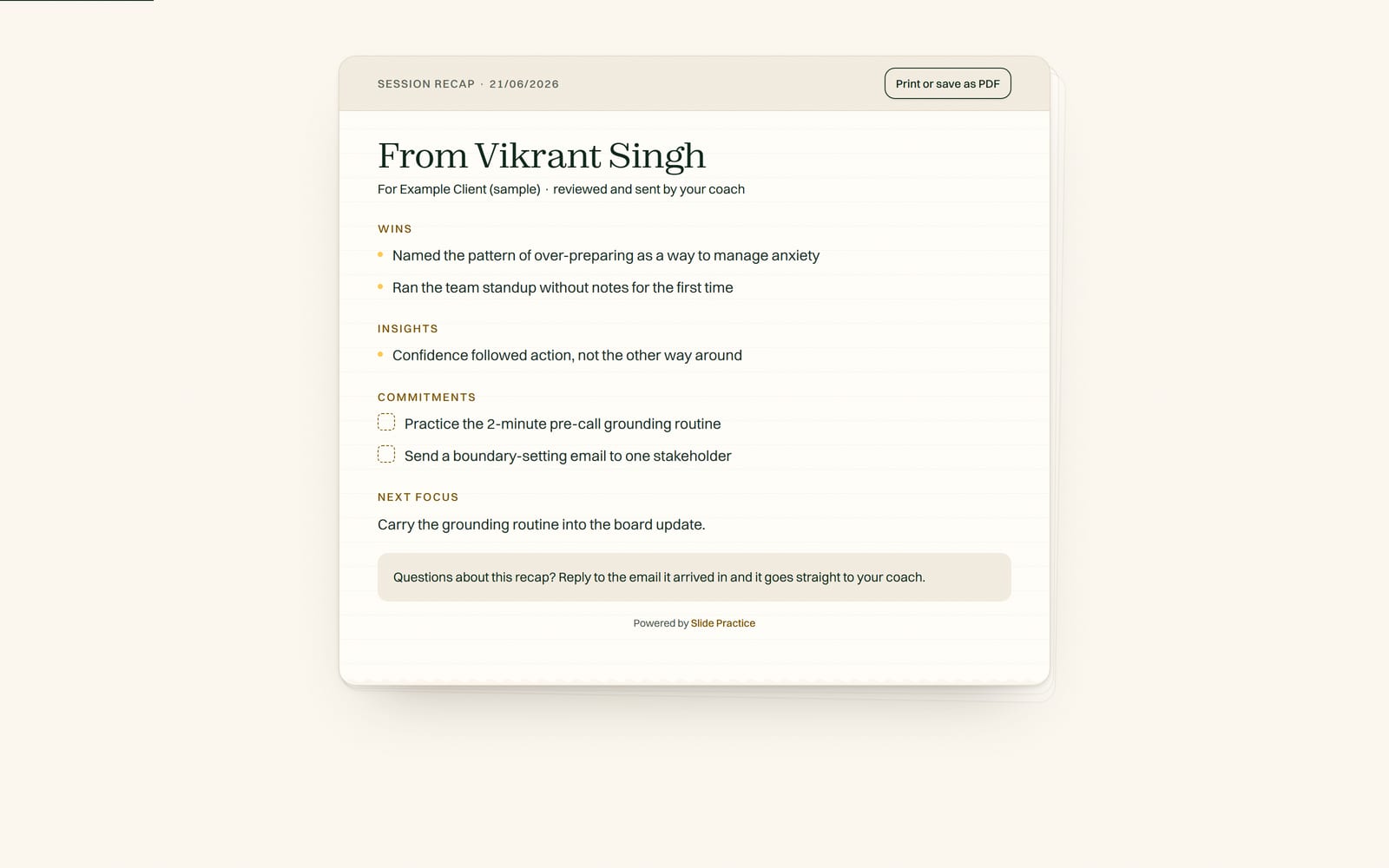
Your recaps land there
When you review and send a session recap, it shows up in the portal with its action items, next to everything that came before it.
The whole story stays in one place
Session history and shared notes sit in the portal too, so both of you can see how far the work has come.
What it doesn't do yet
There are no mobile apps yet, so the portal runs in the web browser. Clients pay you directly, not through the portal, because Slide Practice does not process client payments. You keep collecting payment the way you do now.
Questions practitioners ask
Can one client see another client's portal?
No. Every portal is private to one client. They see their own recaps, action items, session history, and shared notes, and nothing else.
Is there a mobile app for clients?
Not yet. The portal runs in the web browser, so clients open it from a link. There are no mobile apps yet.
What exactly do clients see in the portal?
Their session recaps, their action items, their session history, and any notes you share with them. Recaps only show up after you review and send them.
Give every client one place to look
Slide Practice is open to founding practitioners now. The founding group is capped at 30, and everyone in it gets Pro at $19 a month for the first 12 months, then $29.99.
Start your 7-day Pro trialStart with a 7-day Pro trial. No credit card. Founding access is open now.